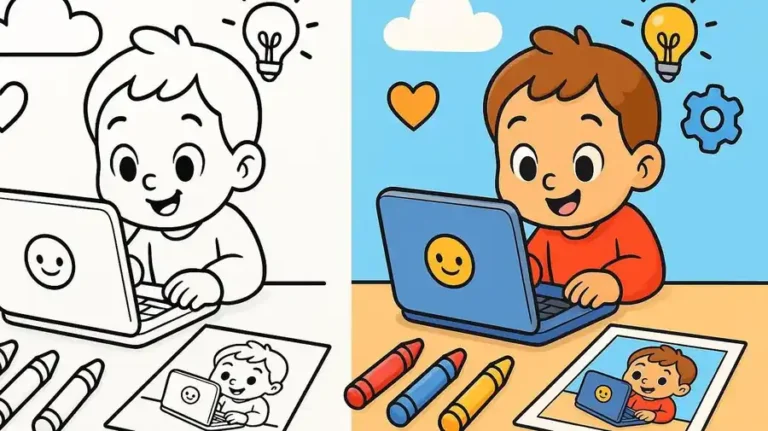

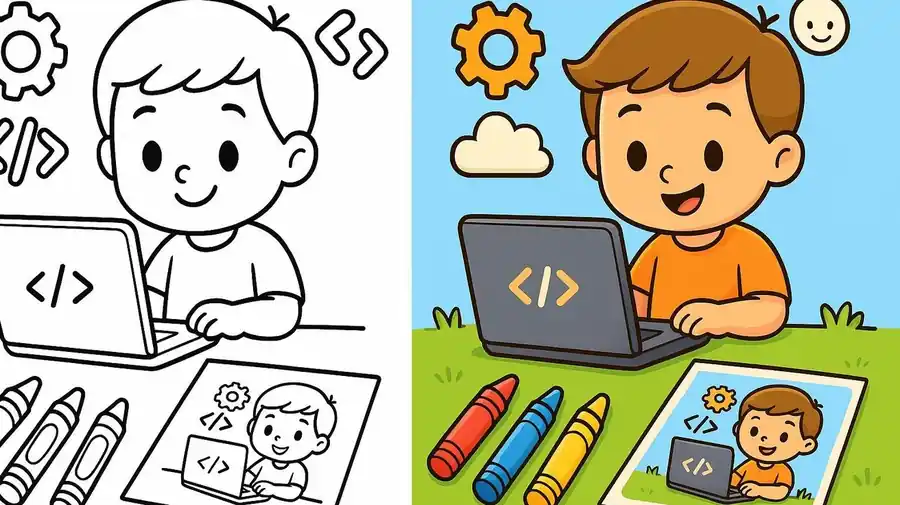
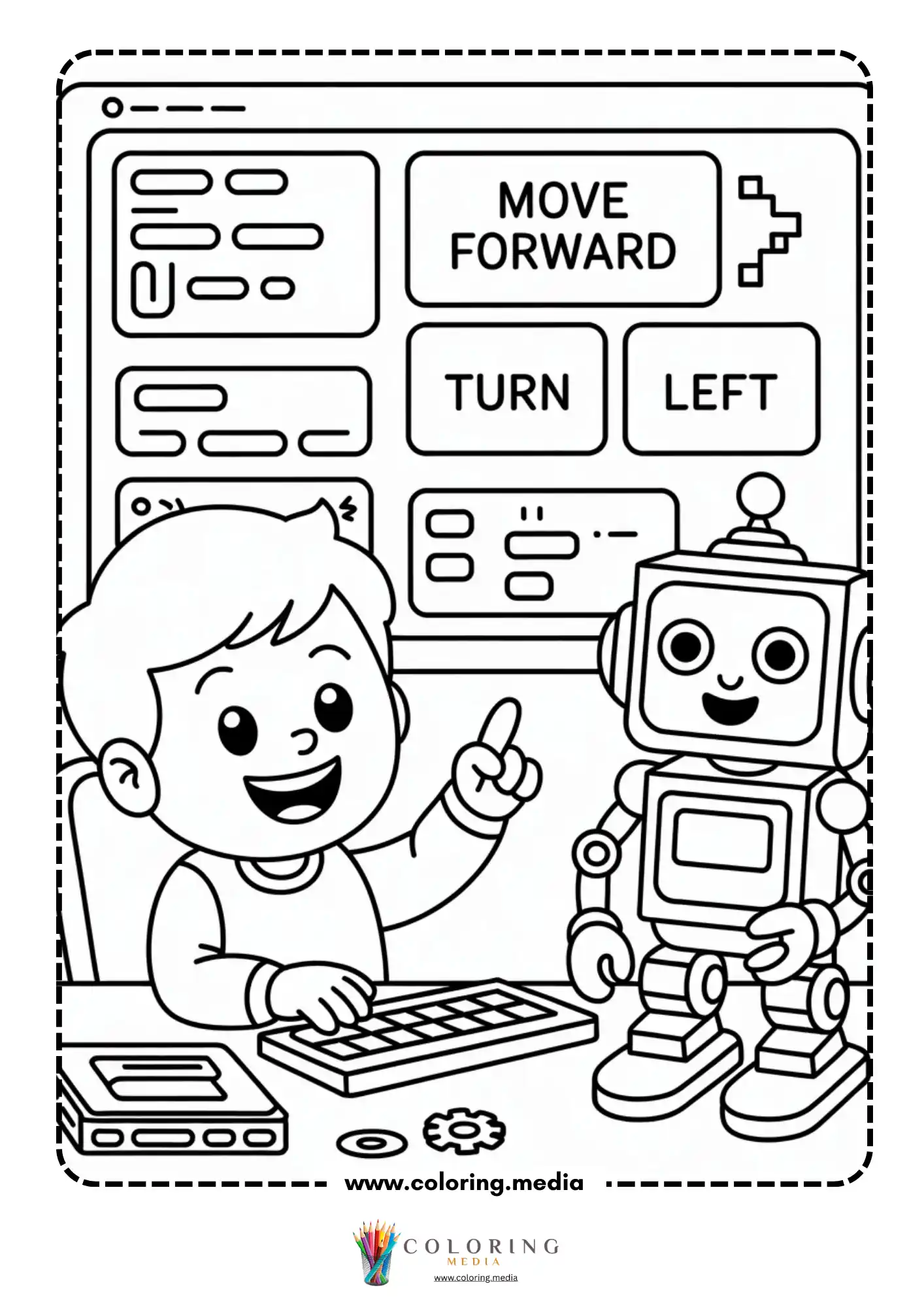
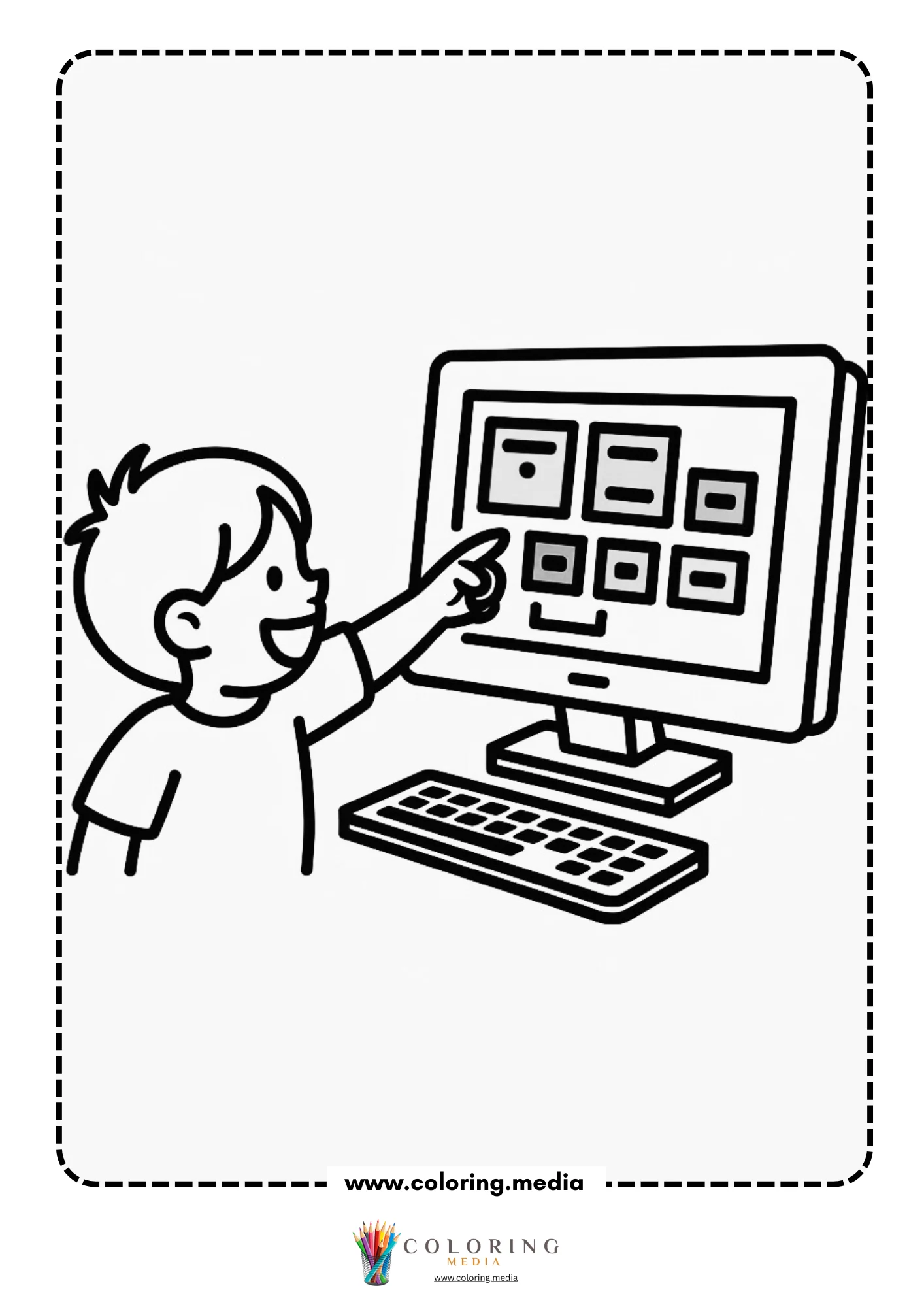
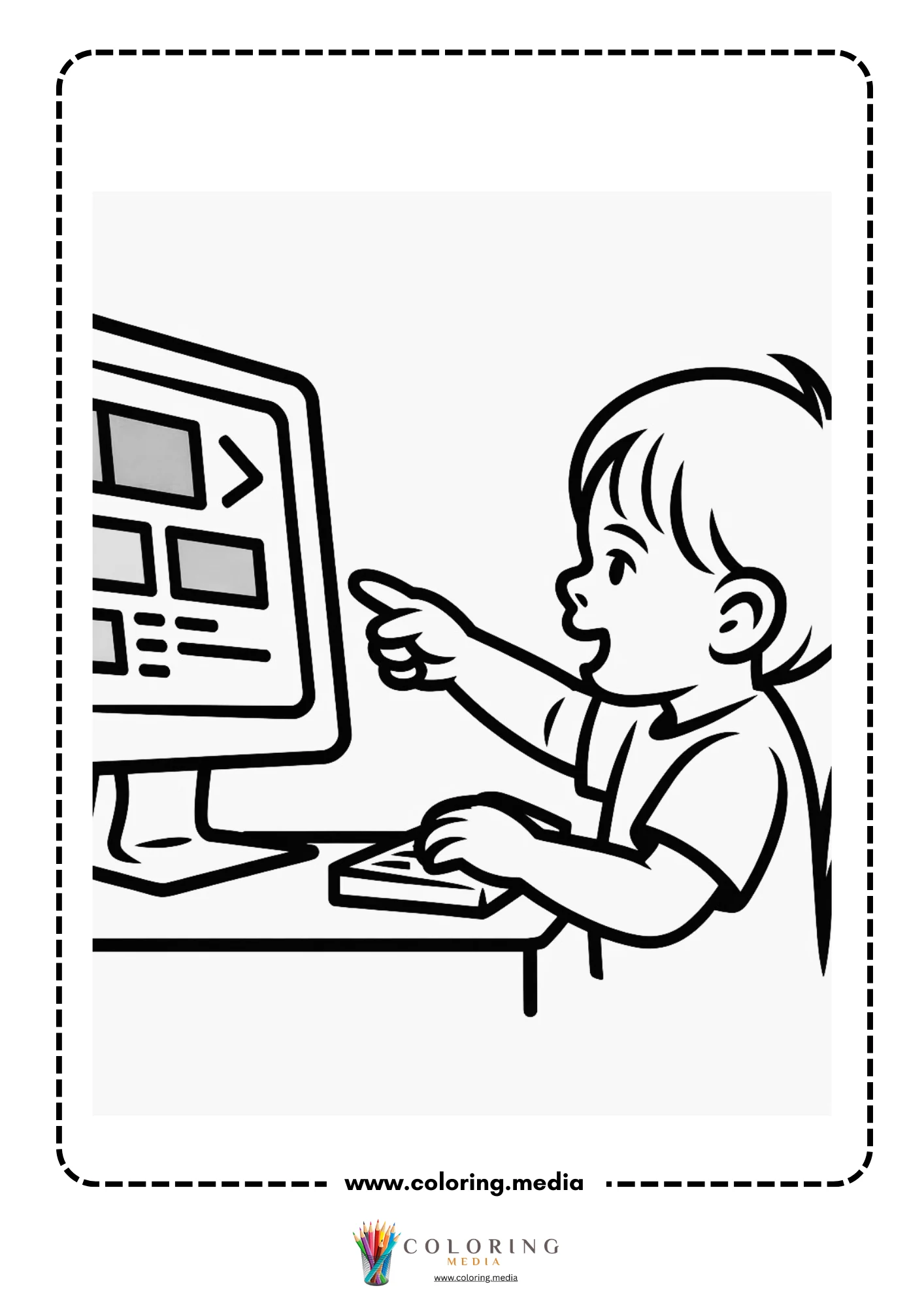
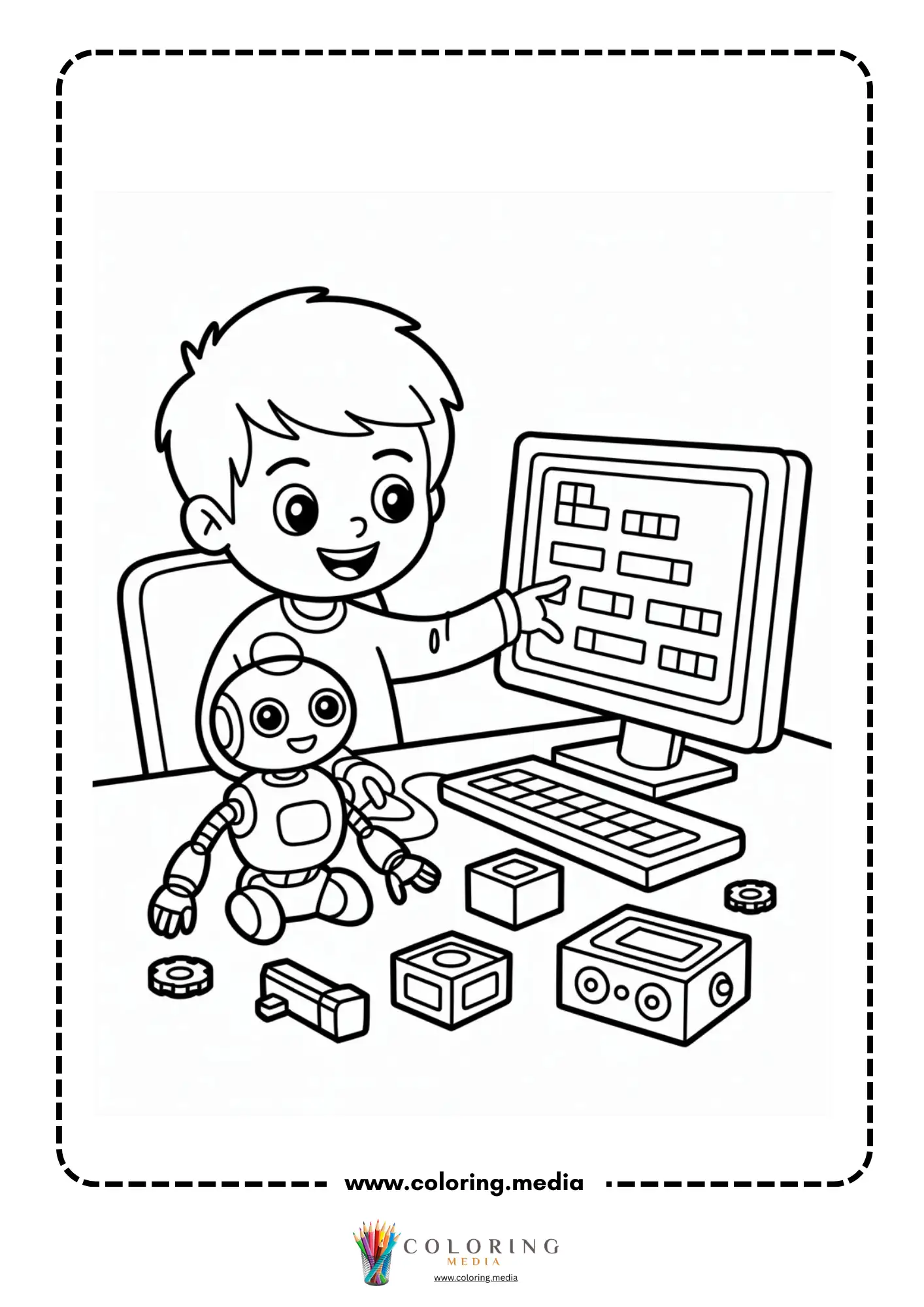
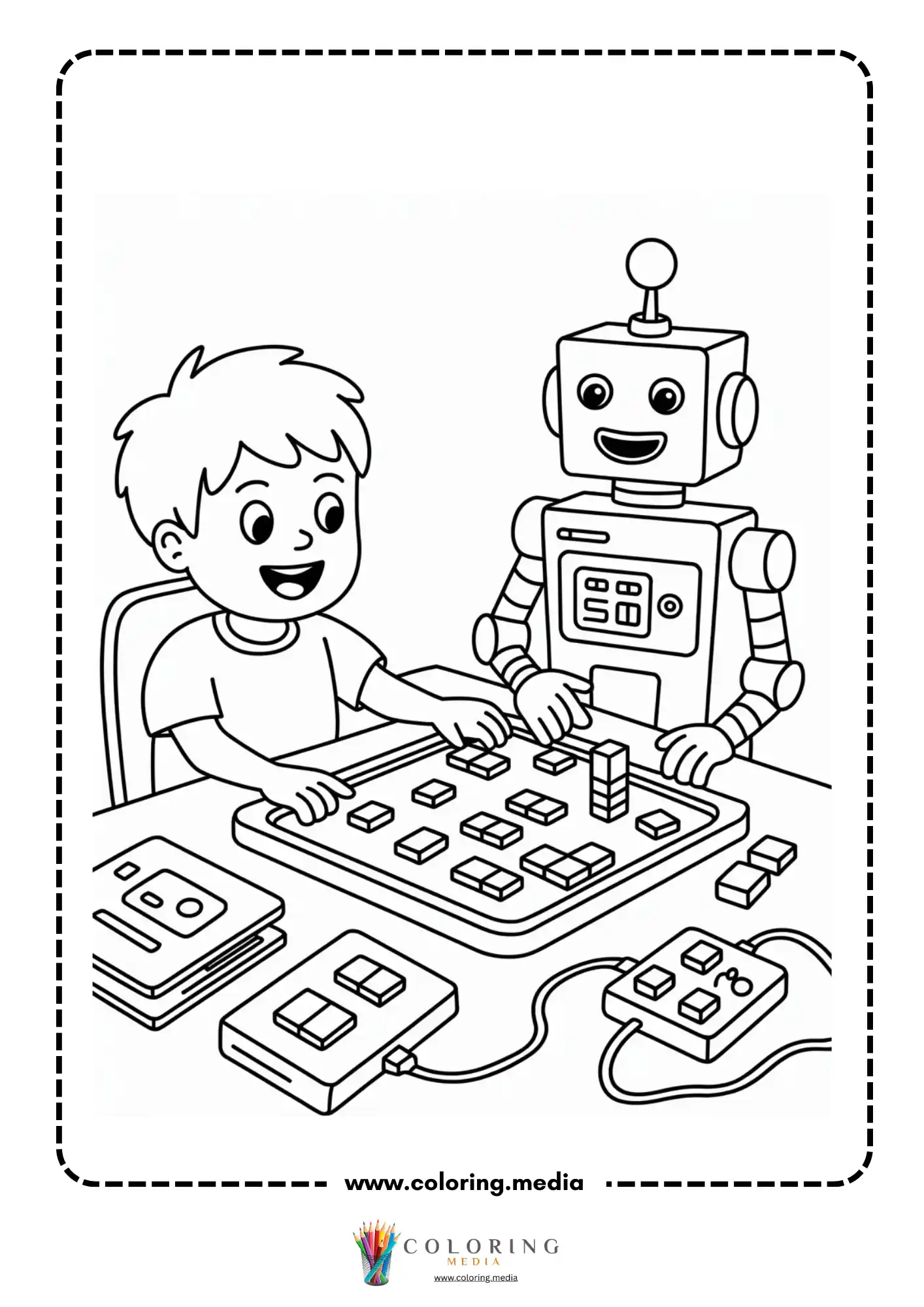
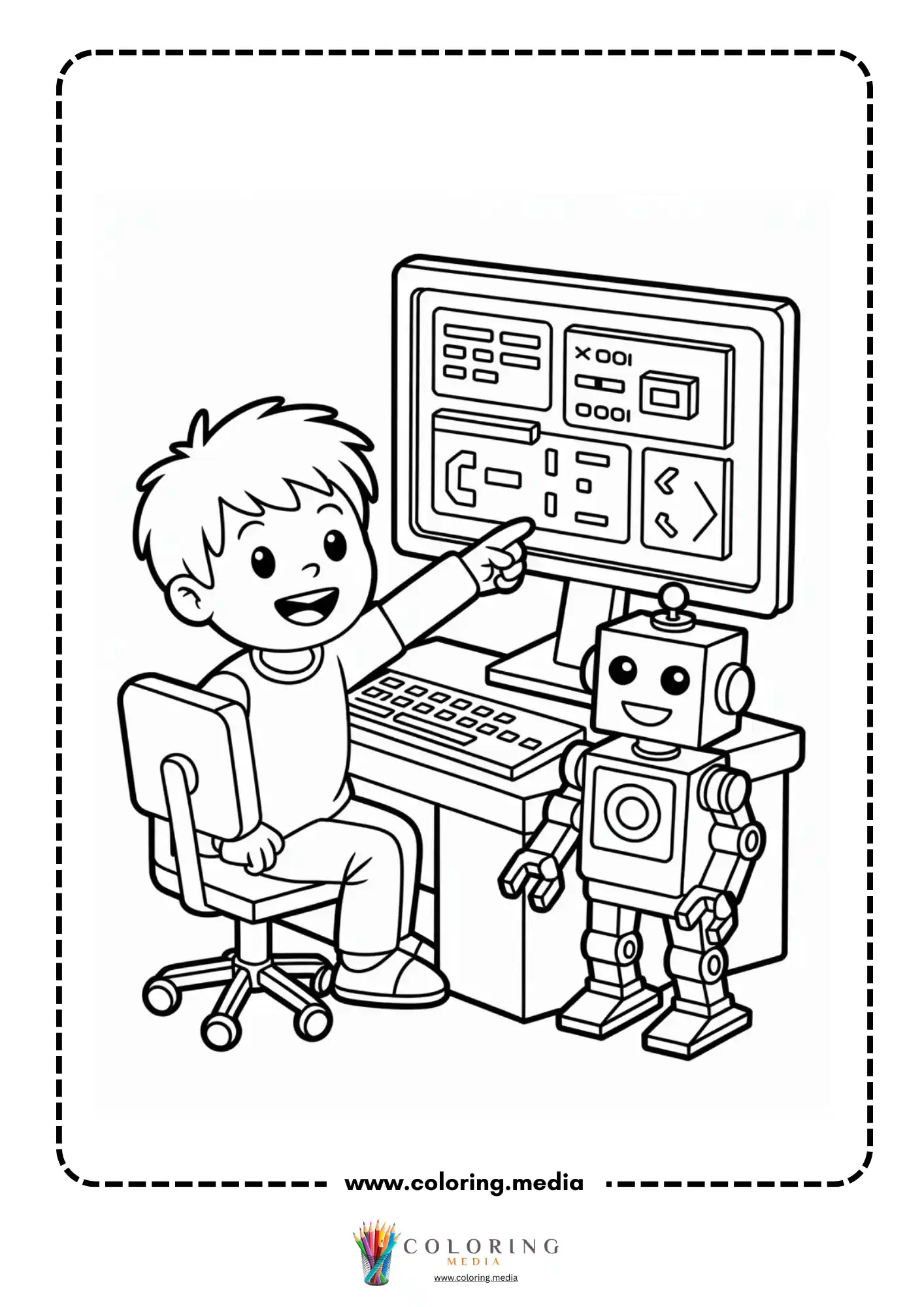
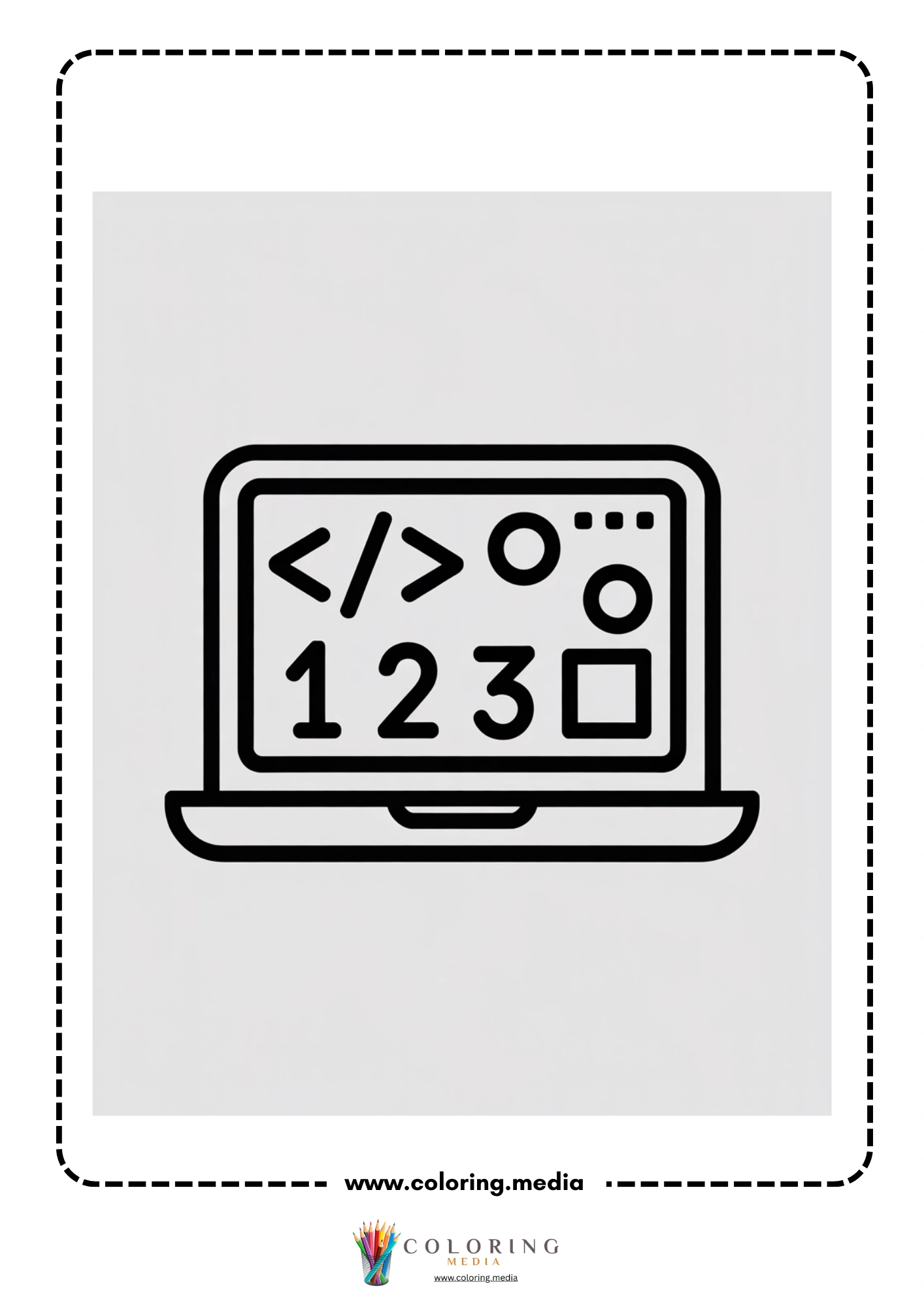
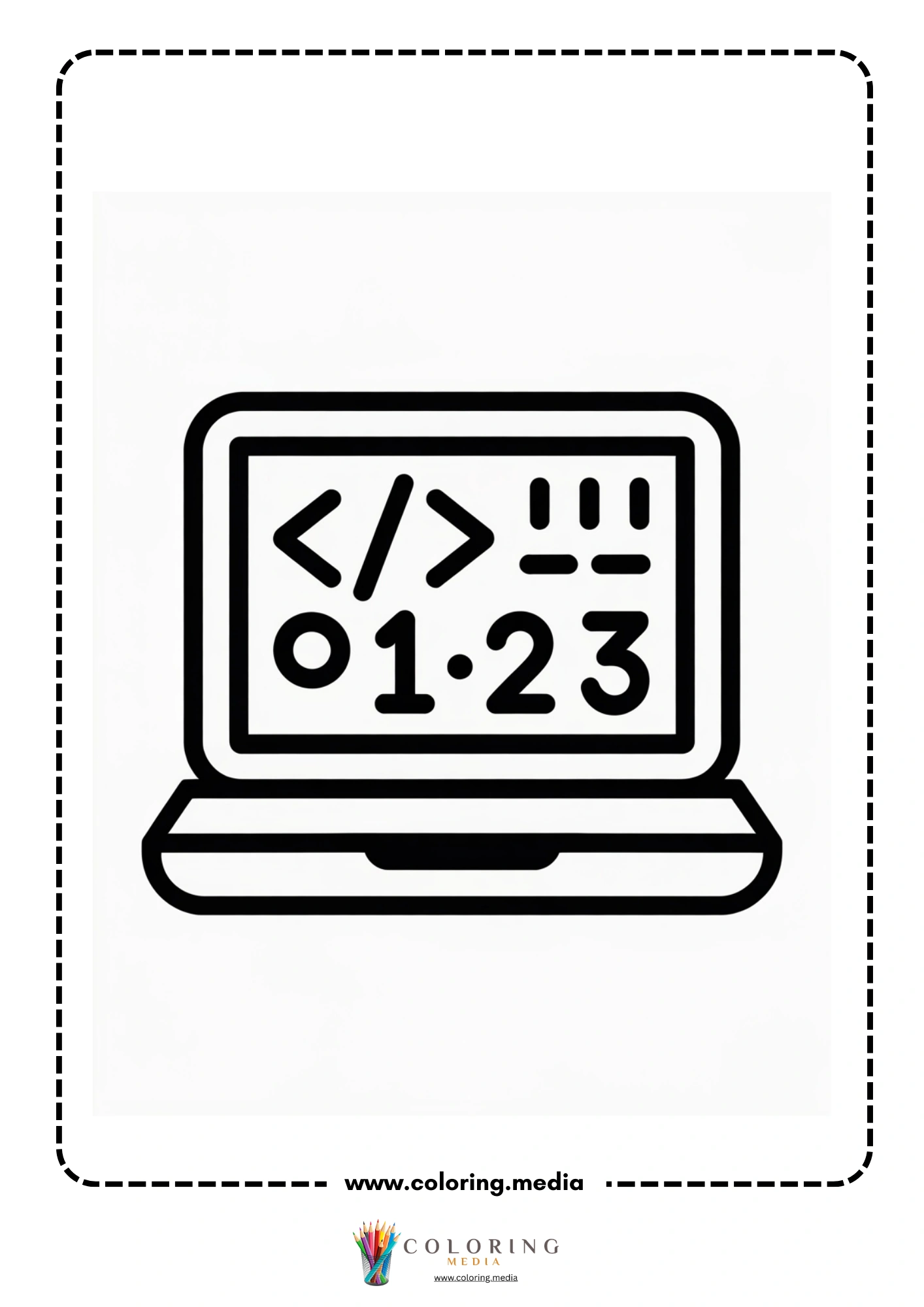
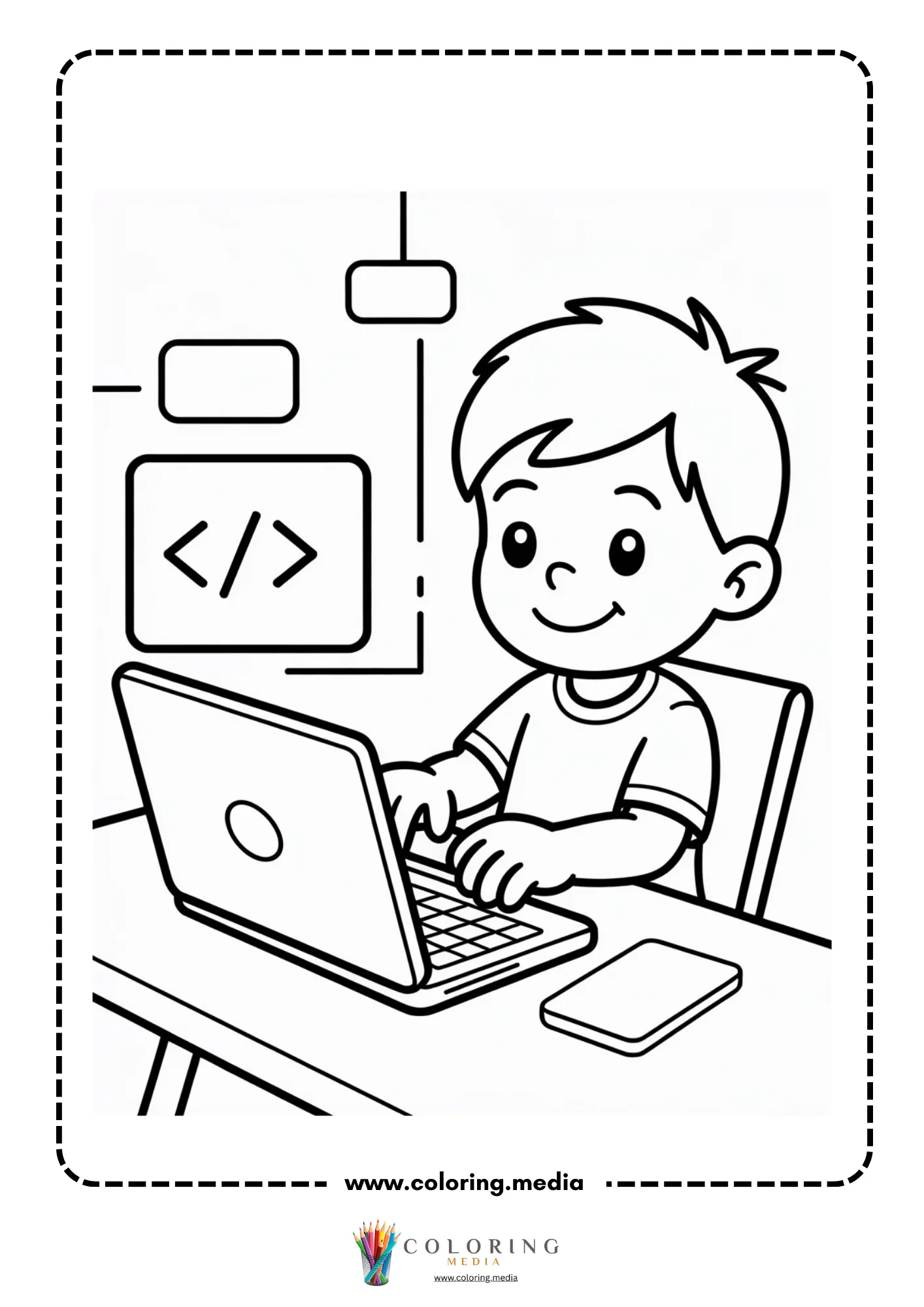
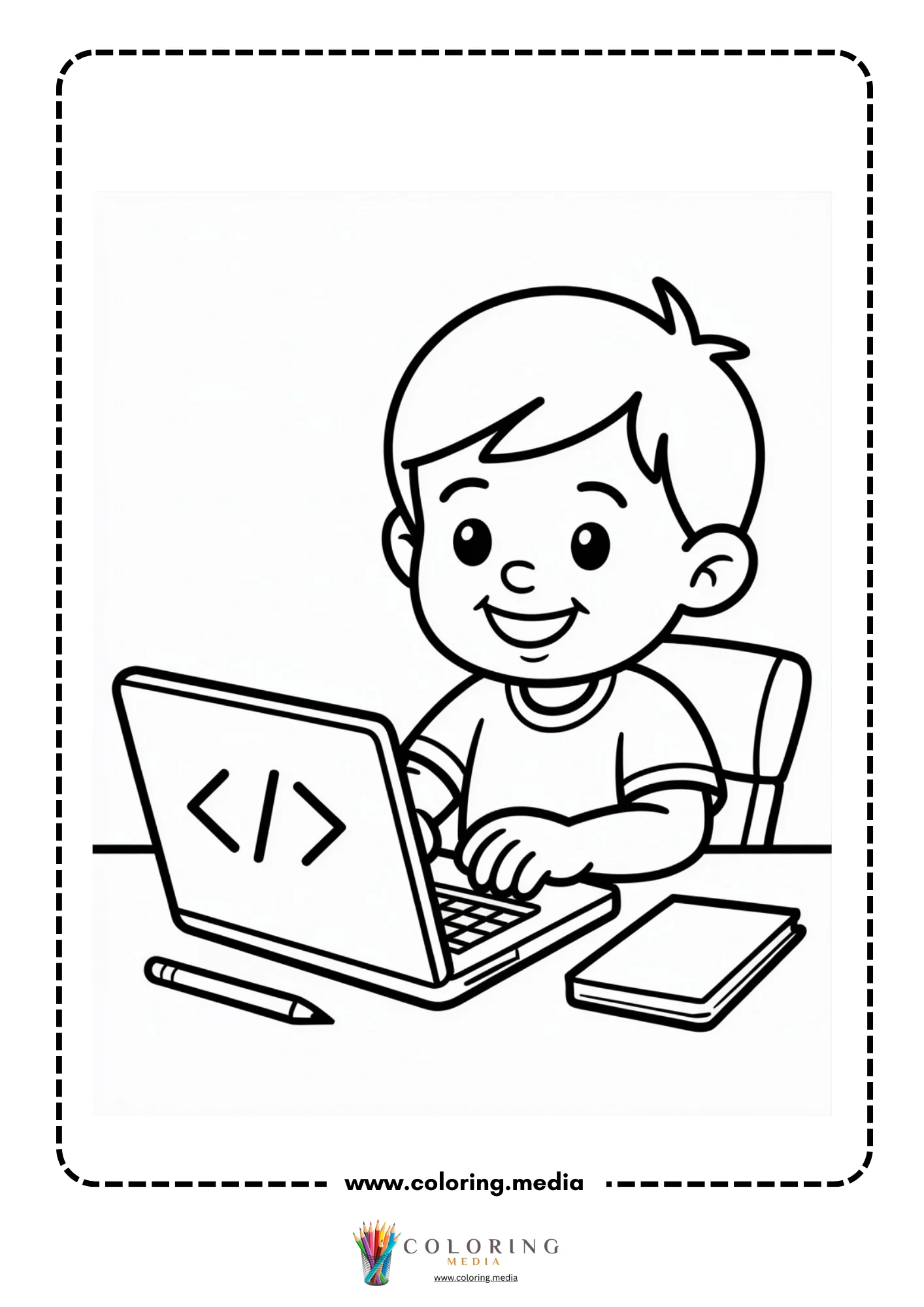
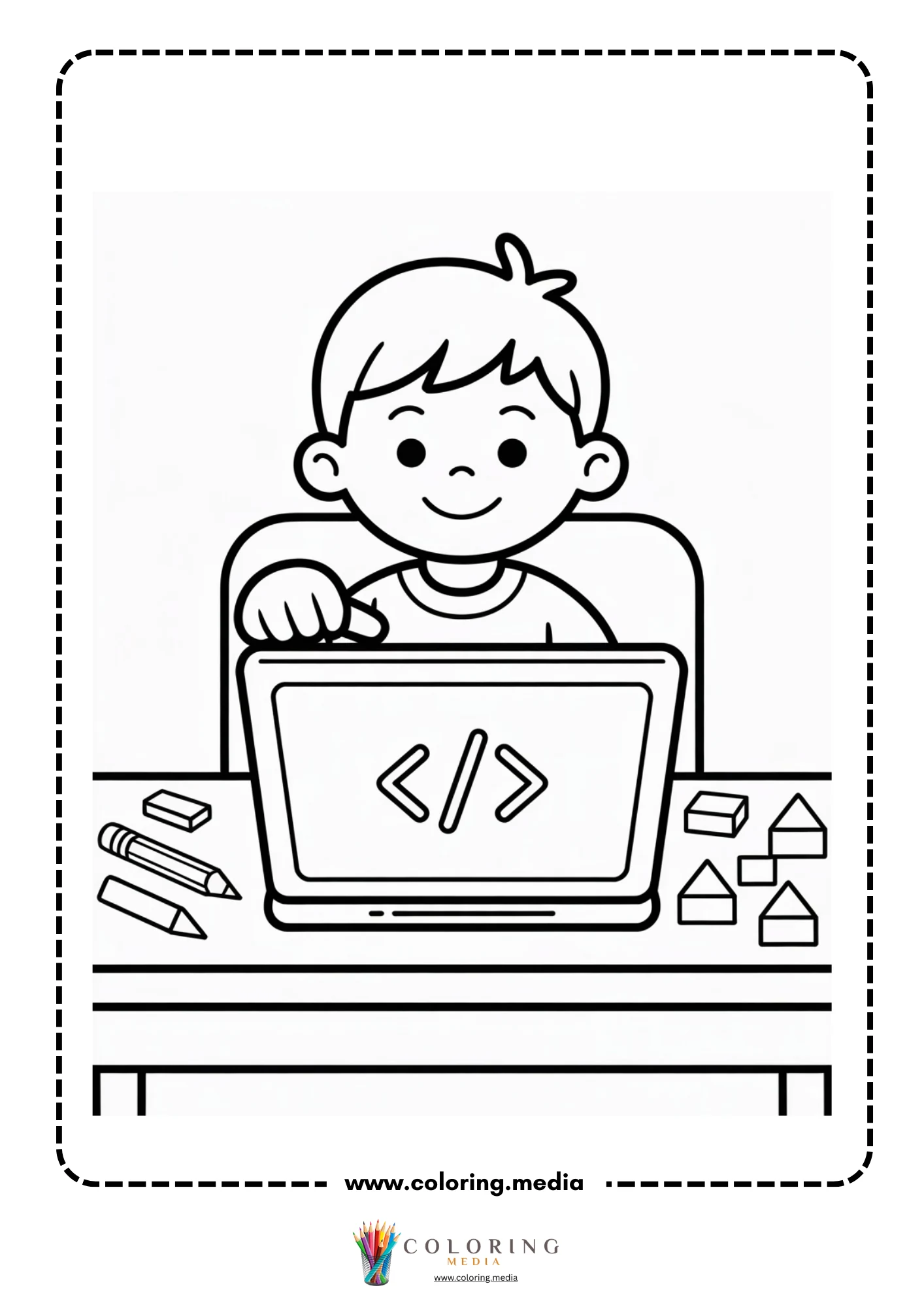
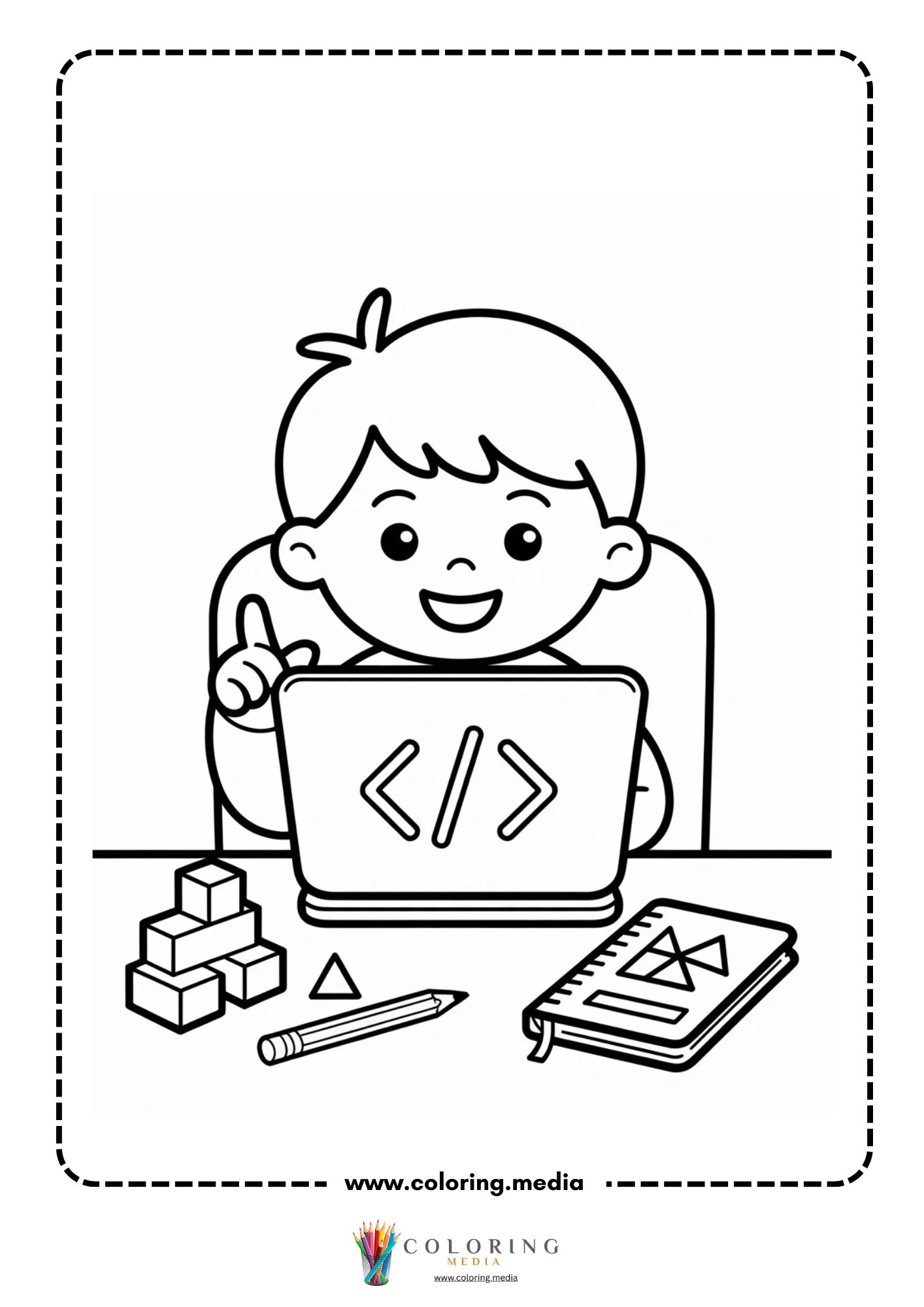
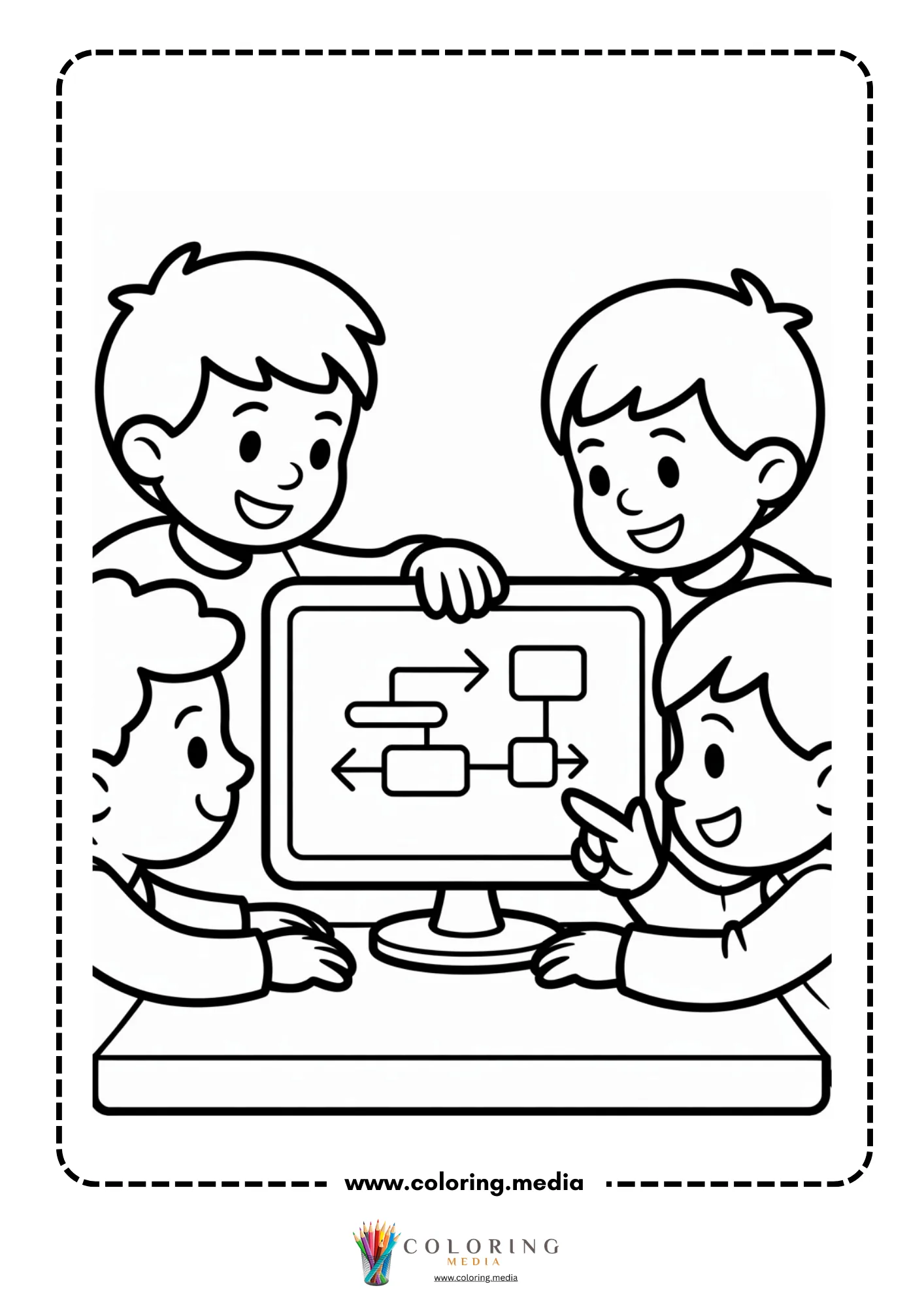
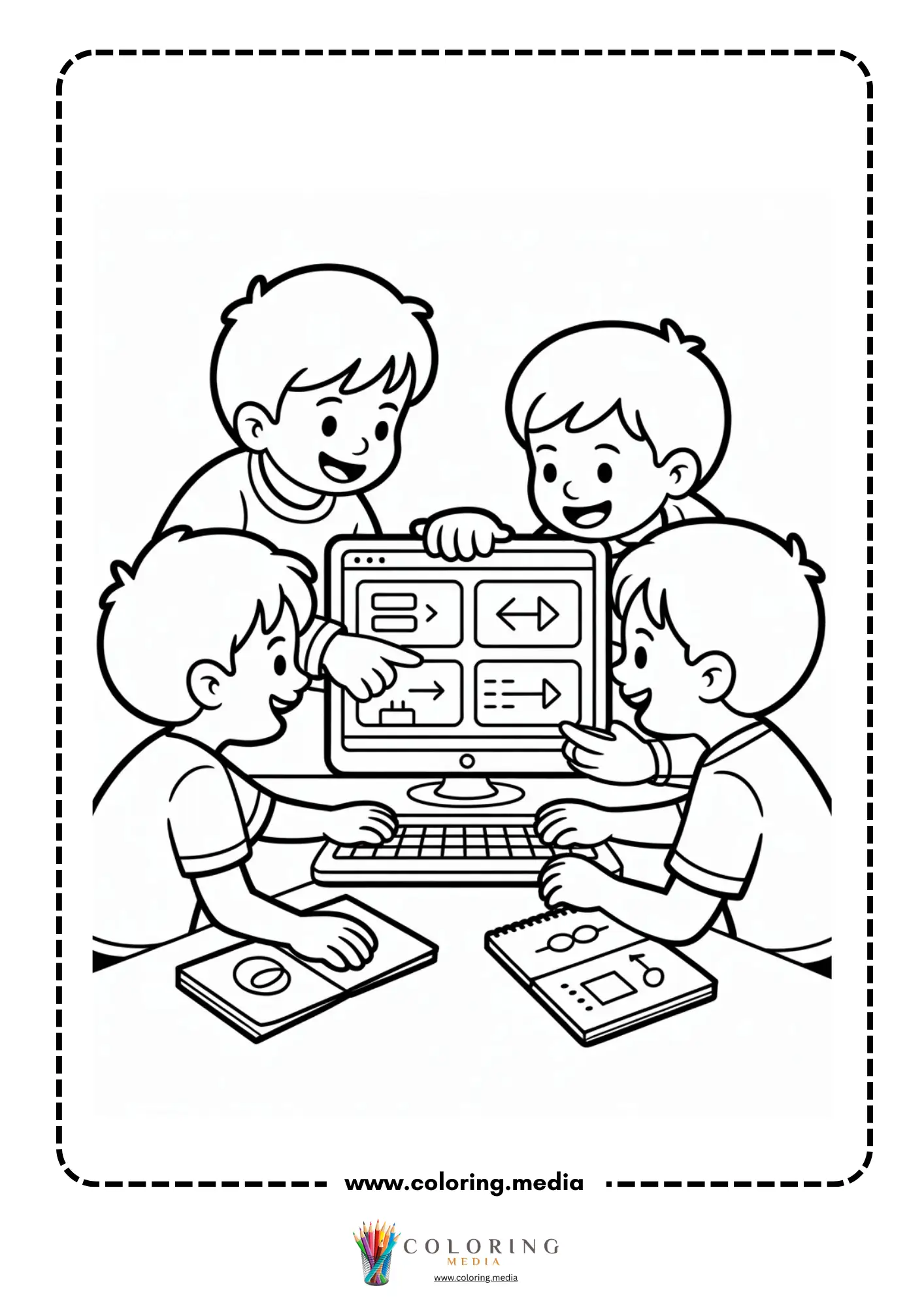
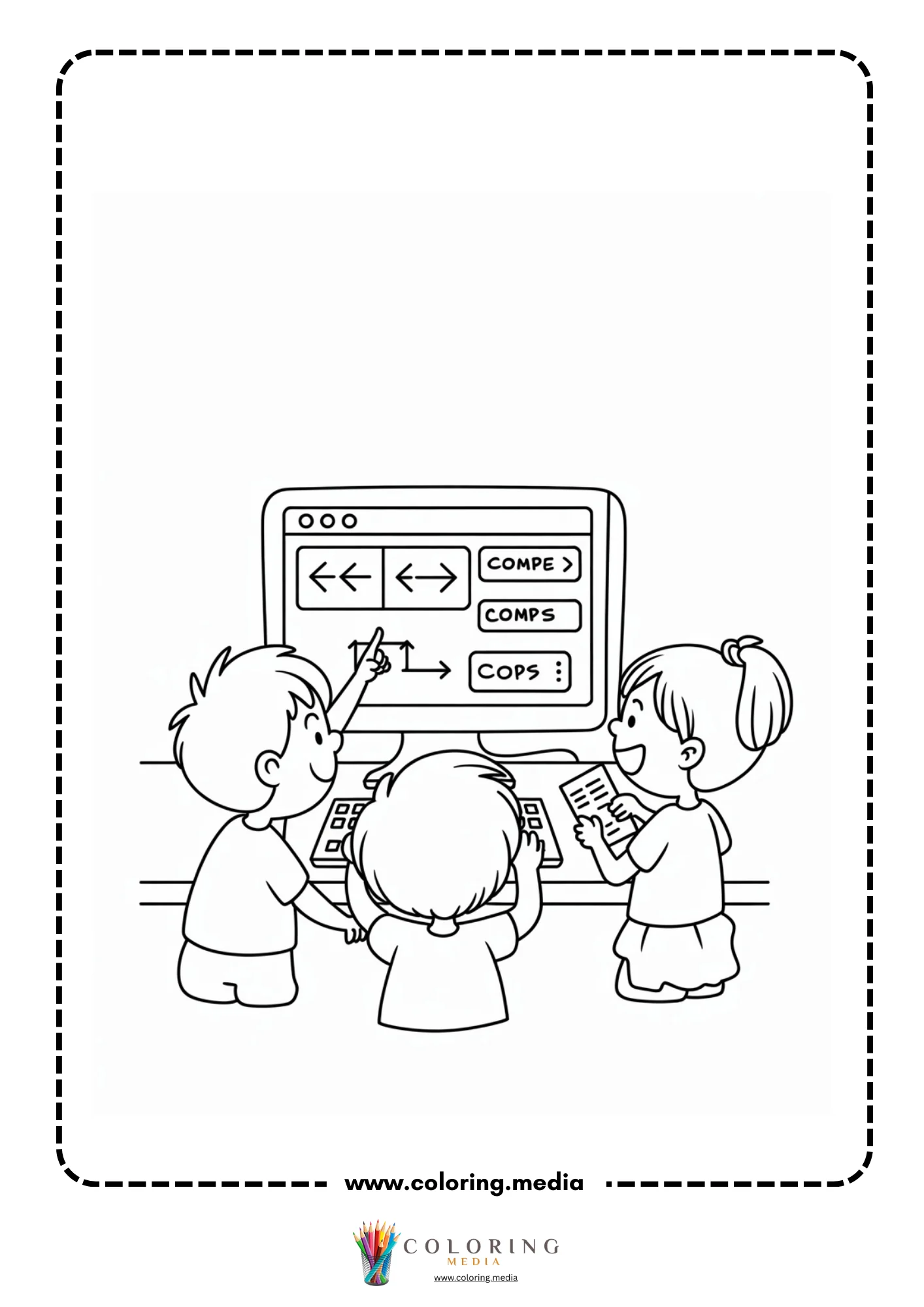
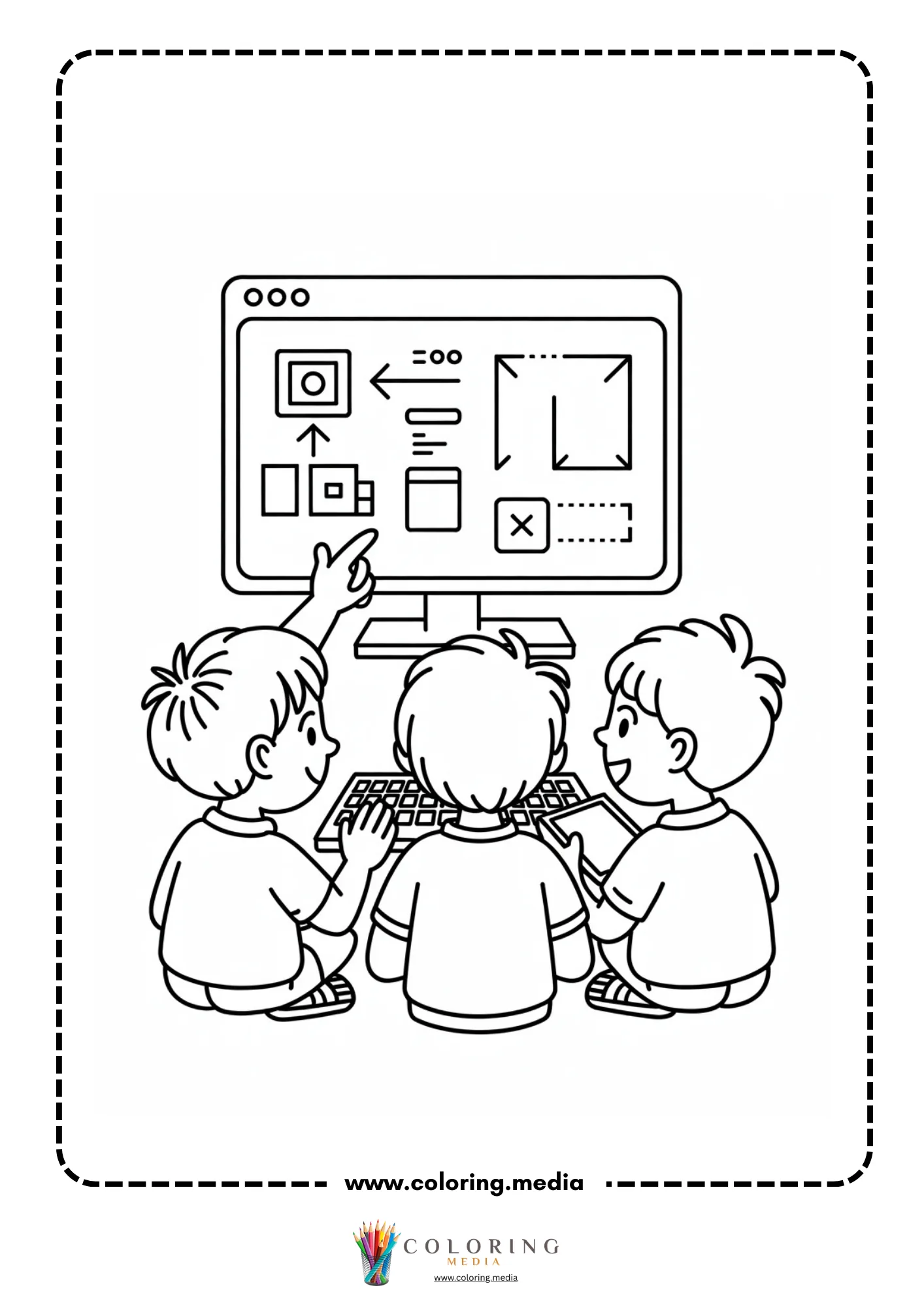
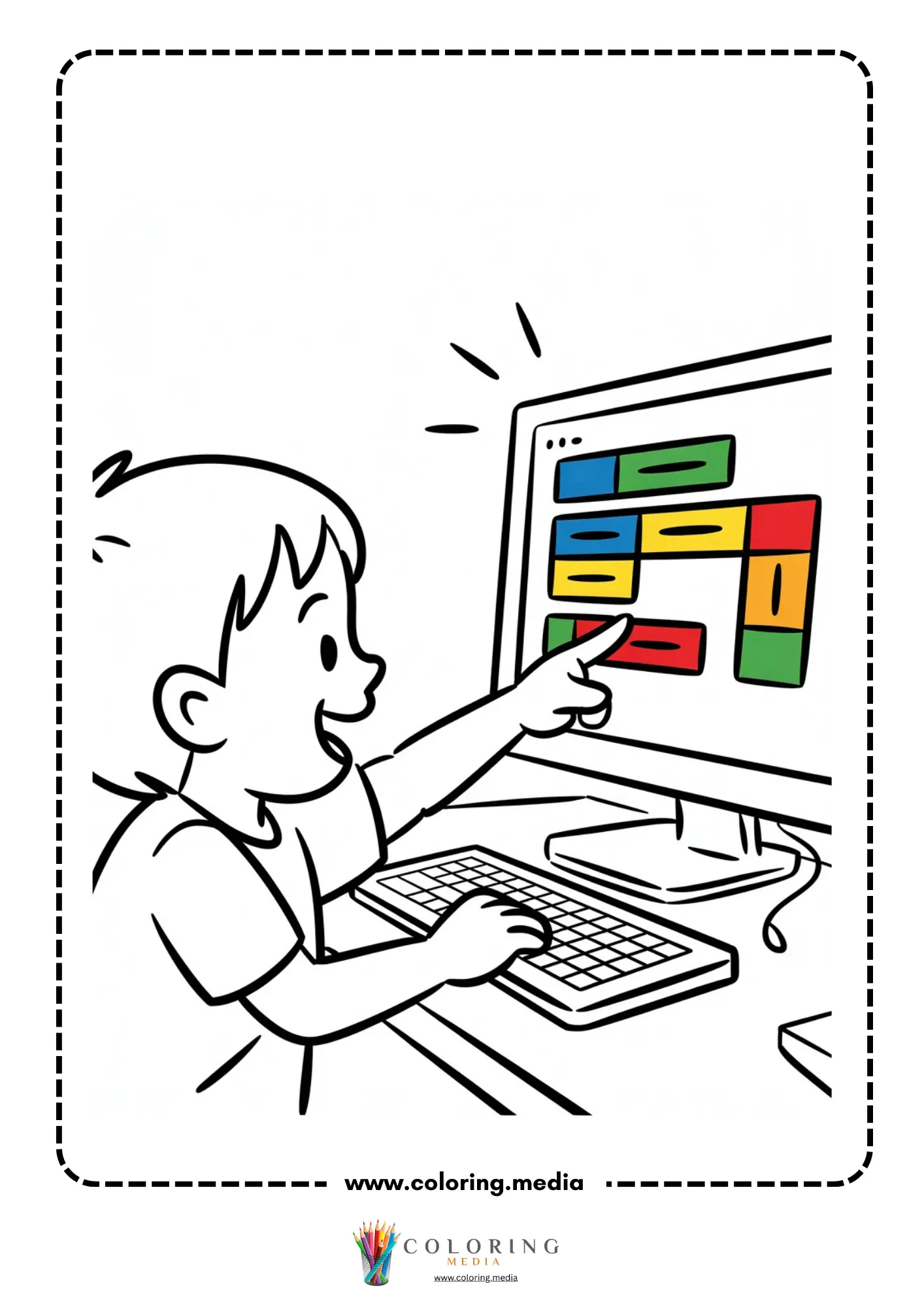
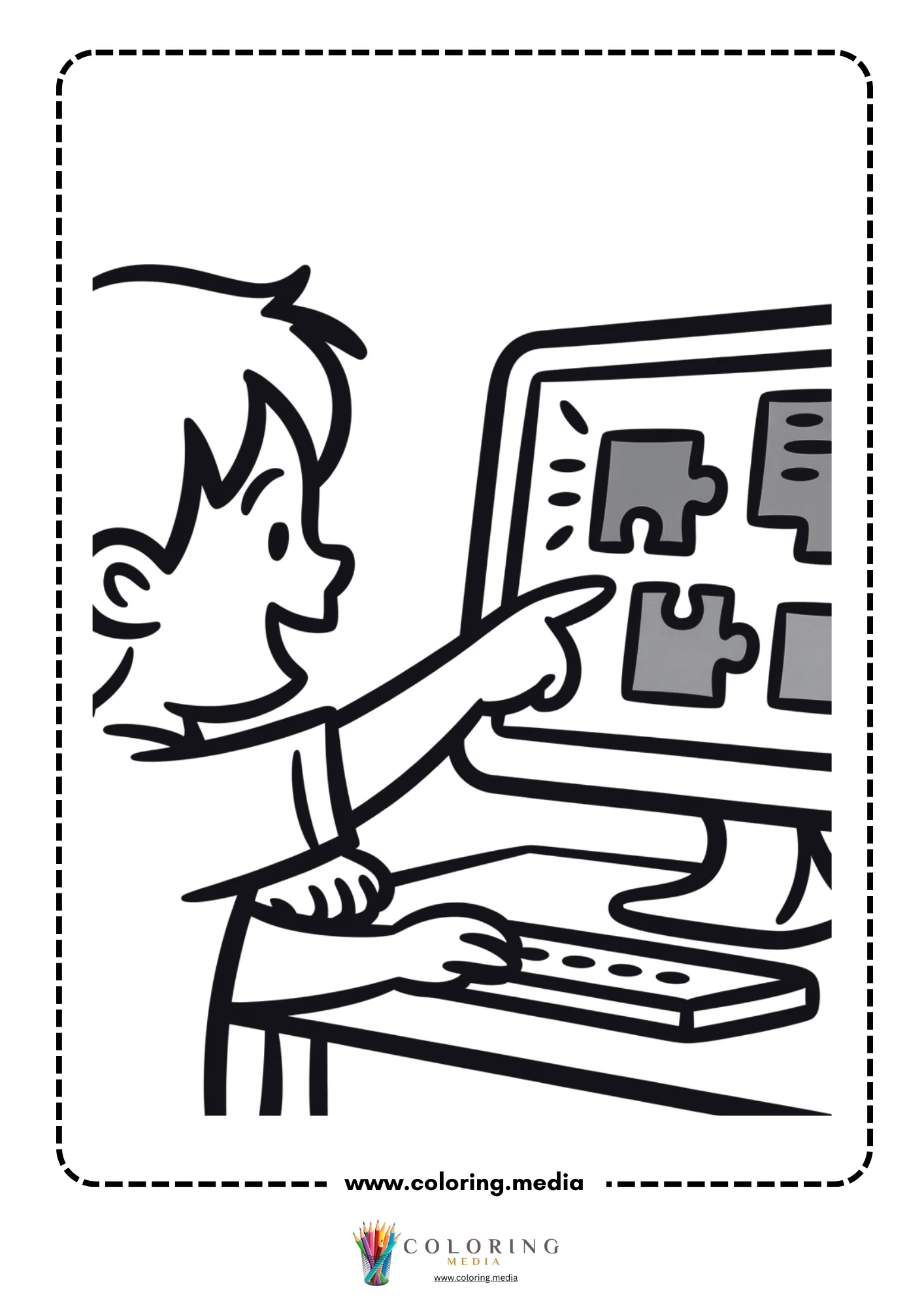
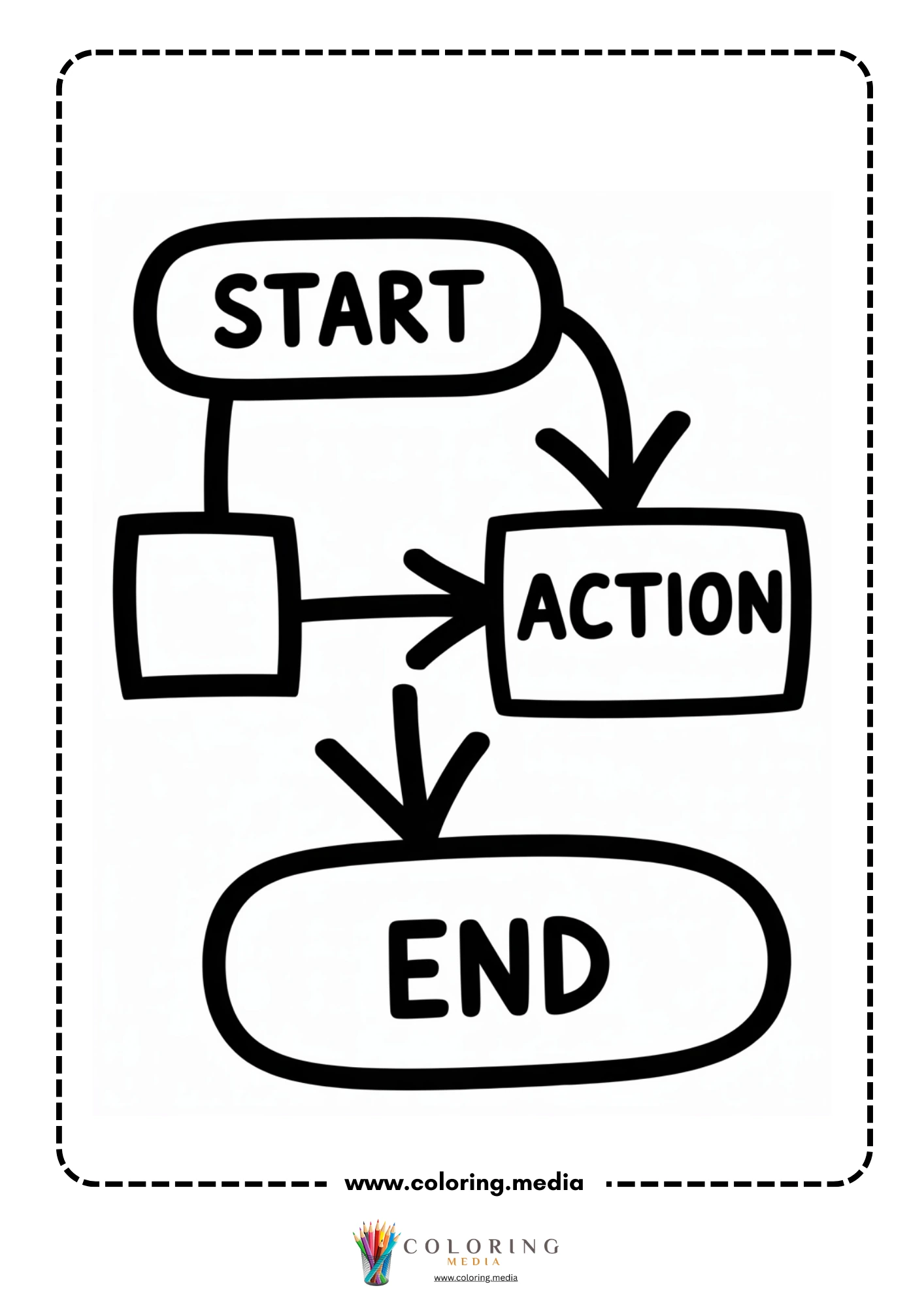
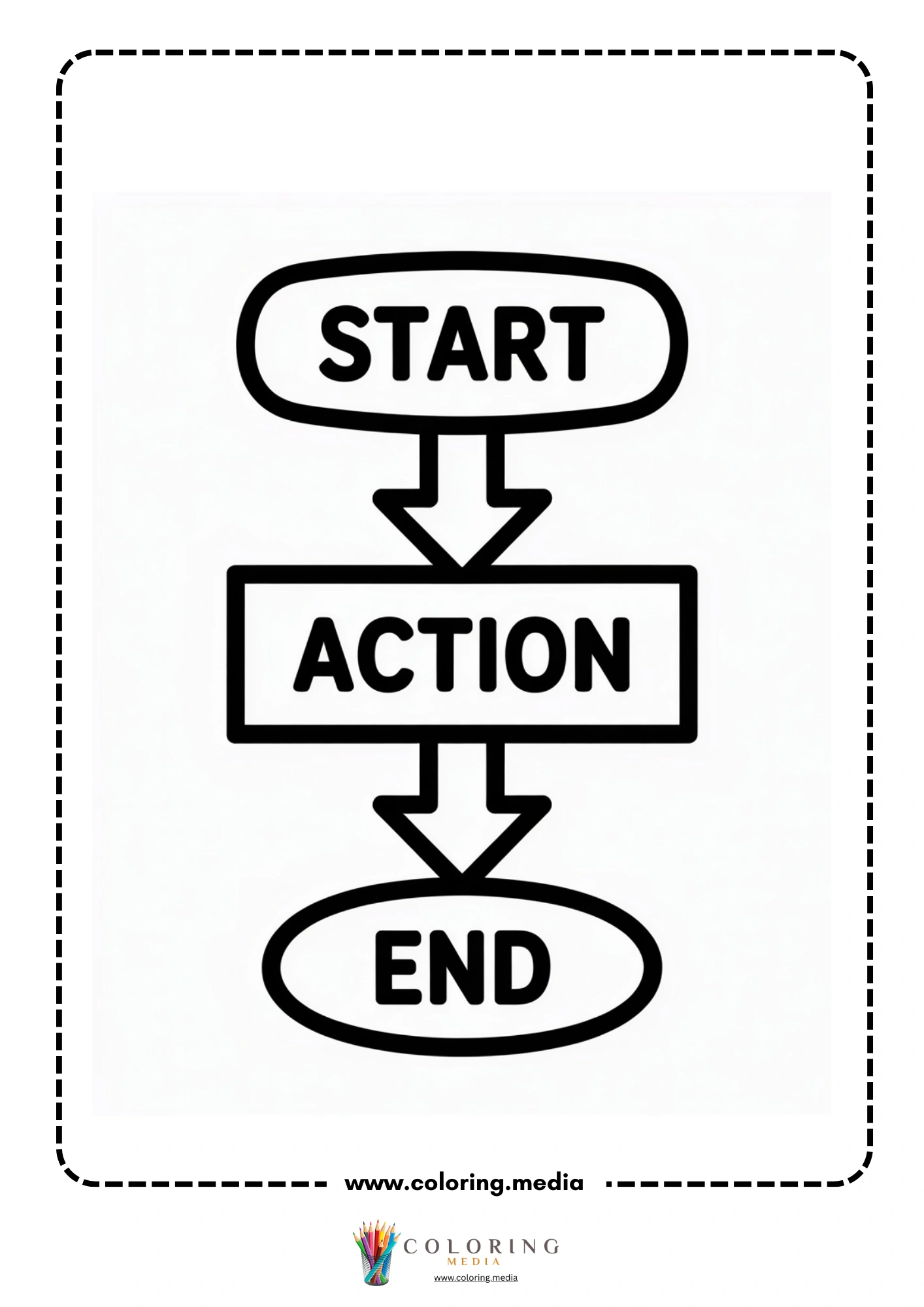
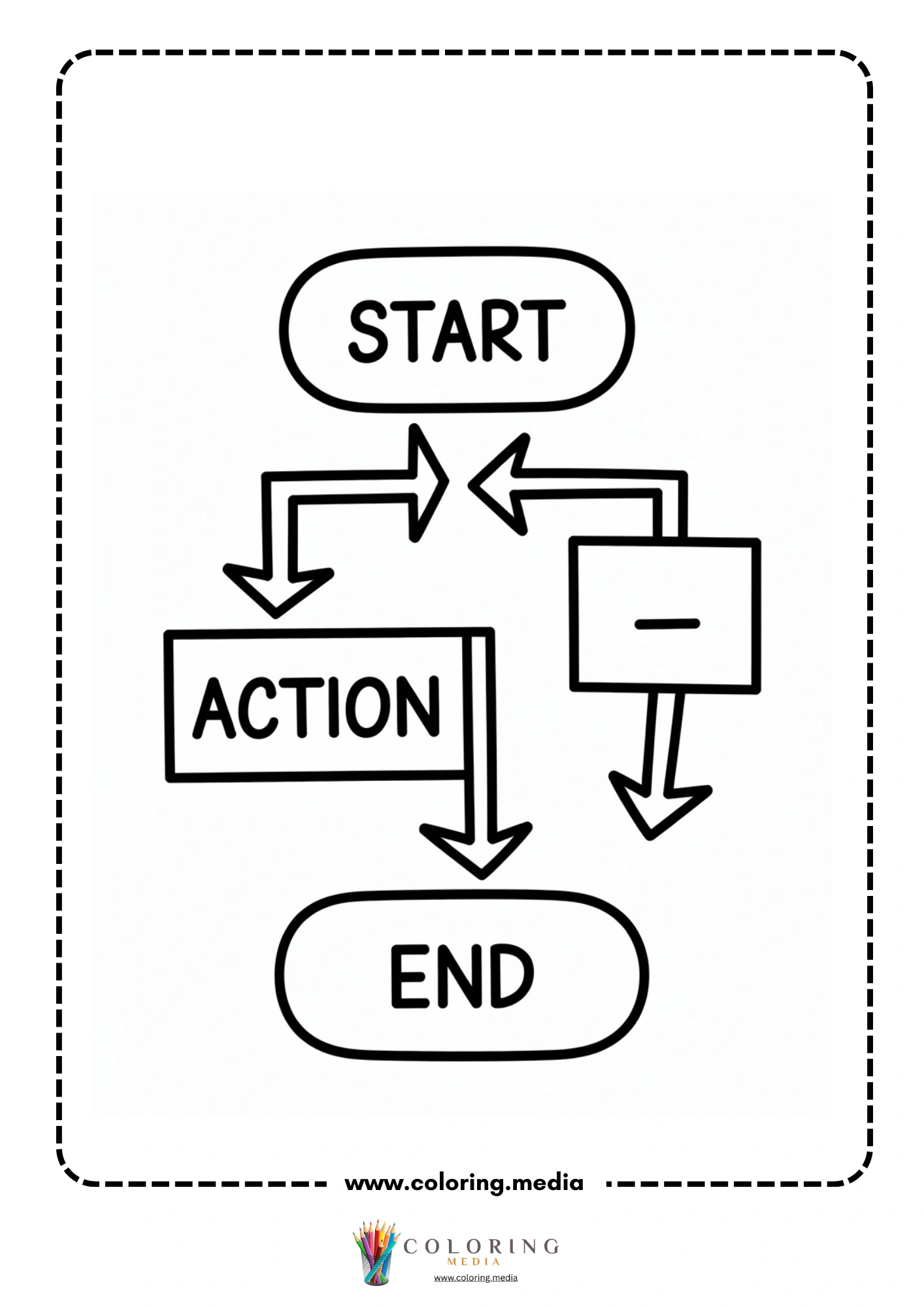
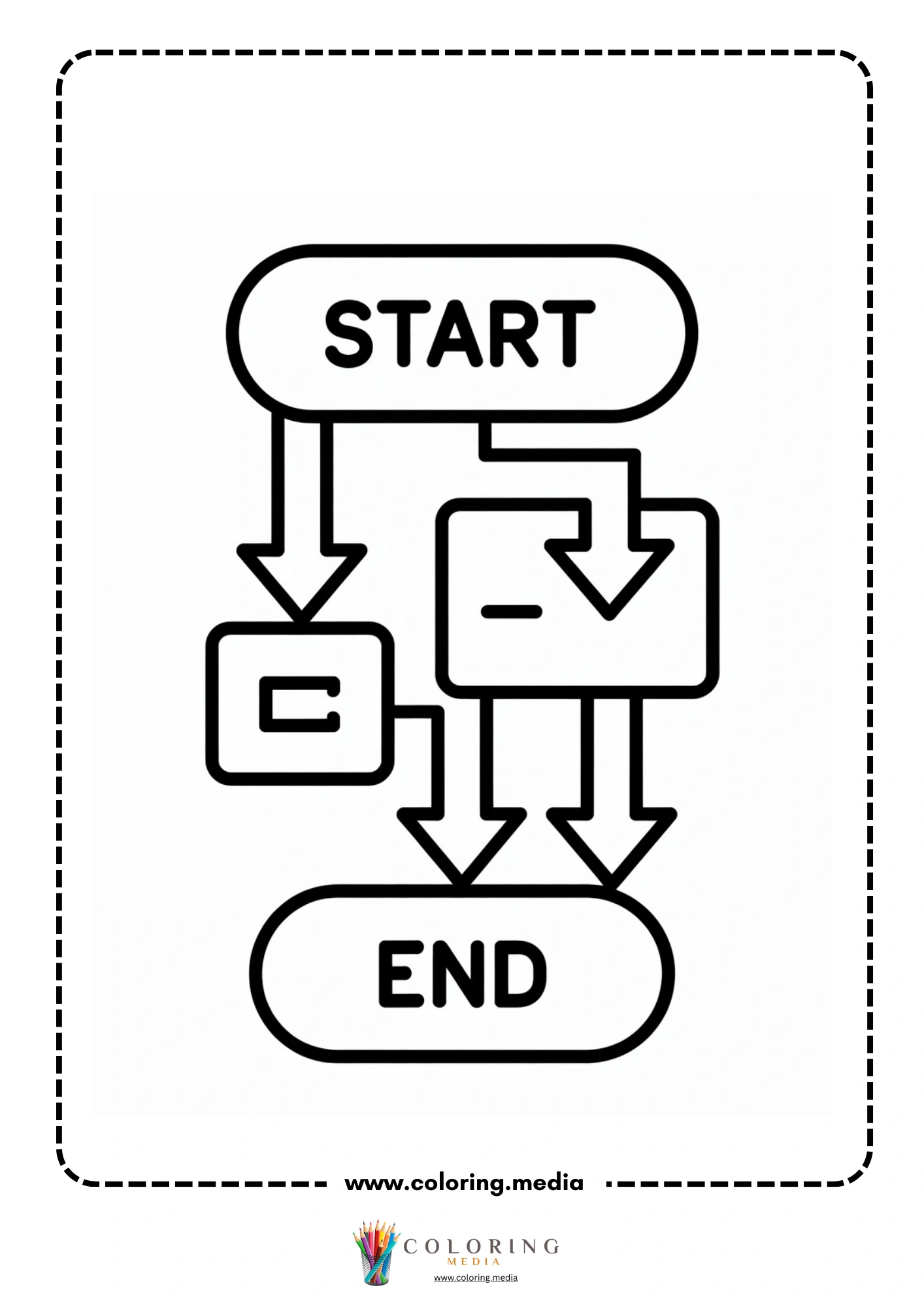
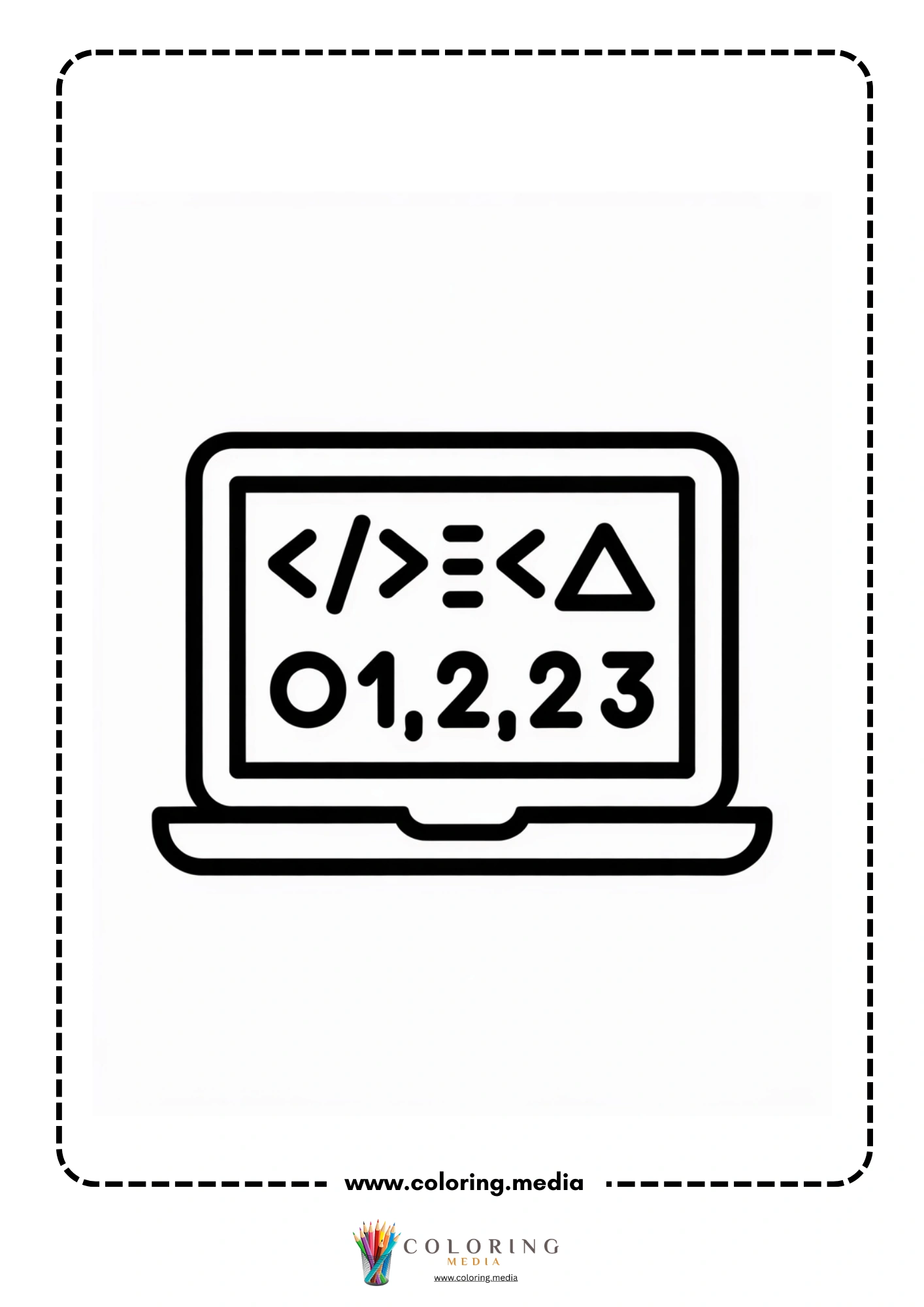
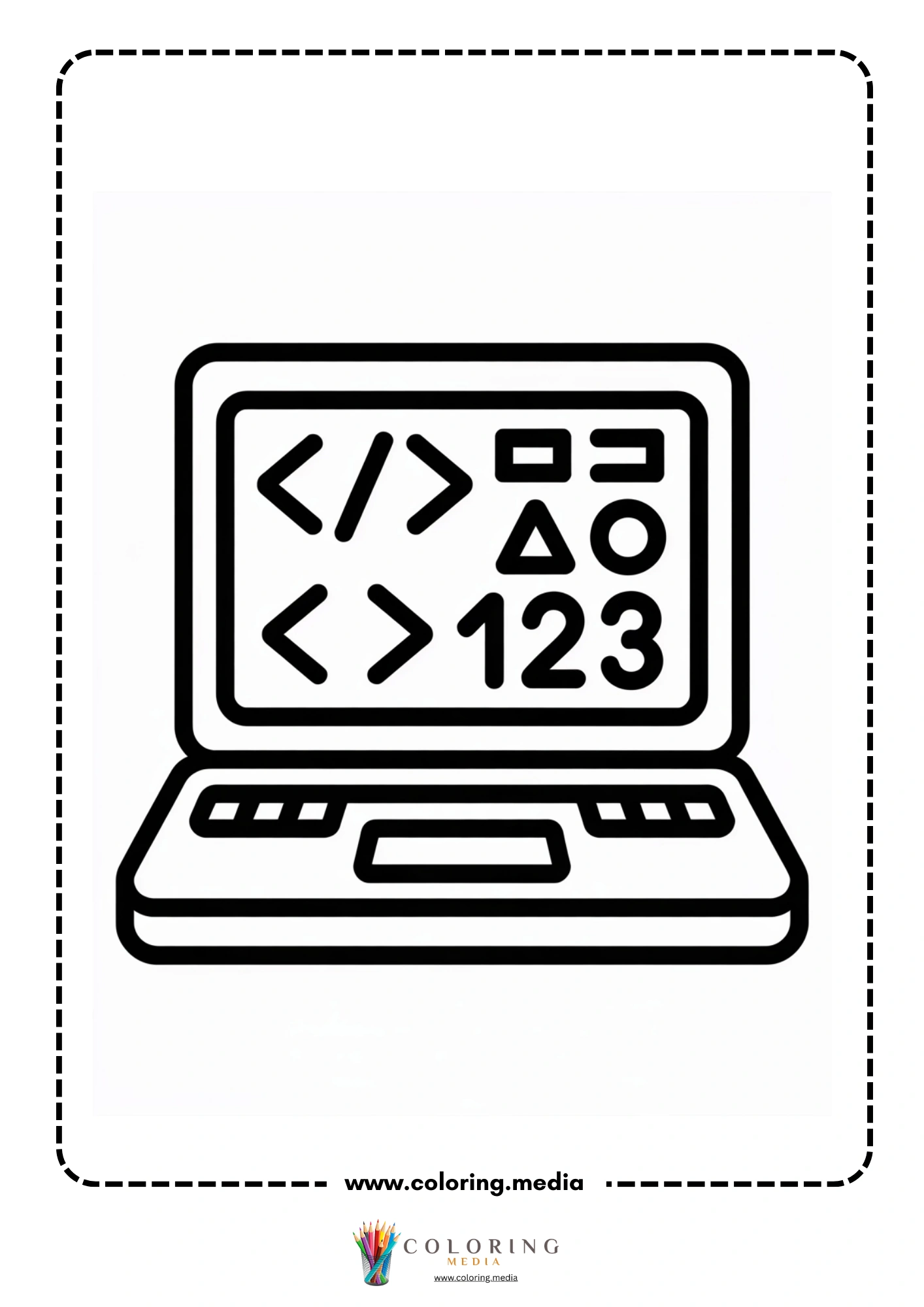
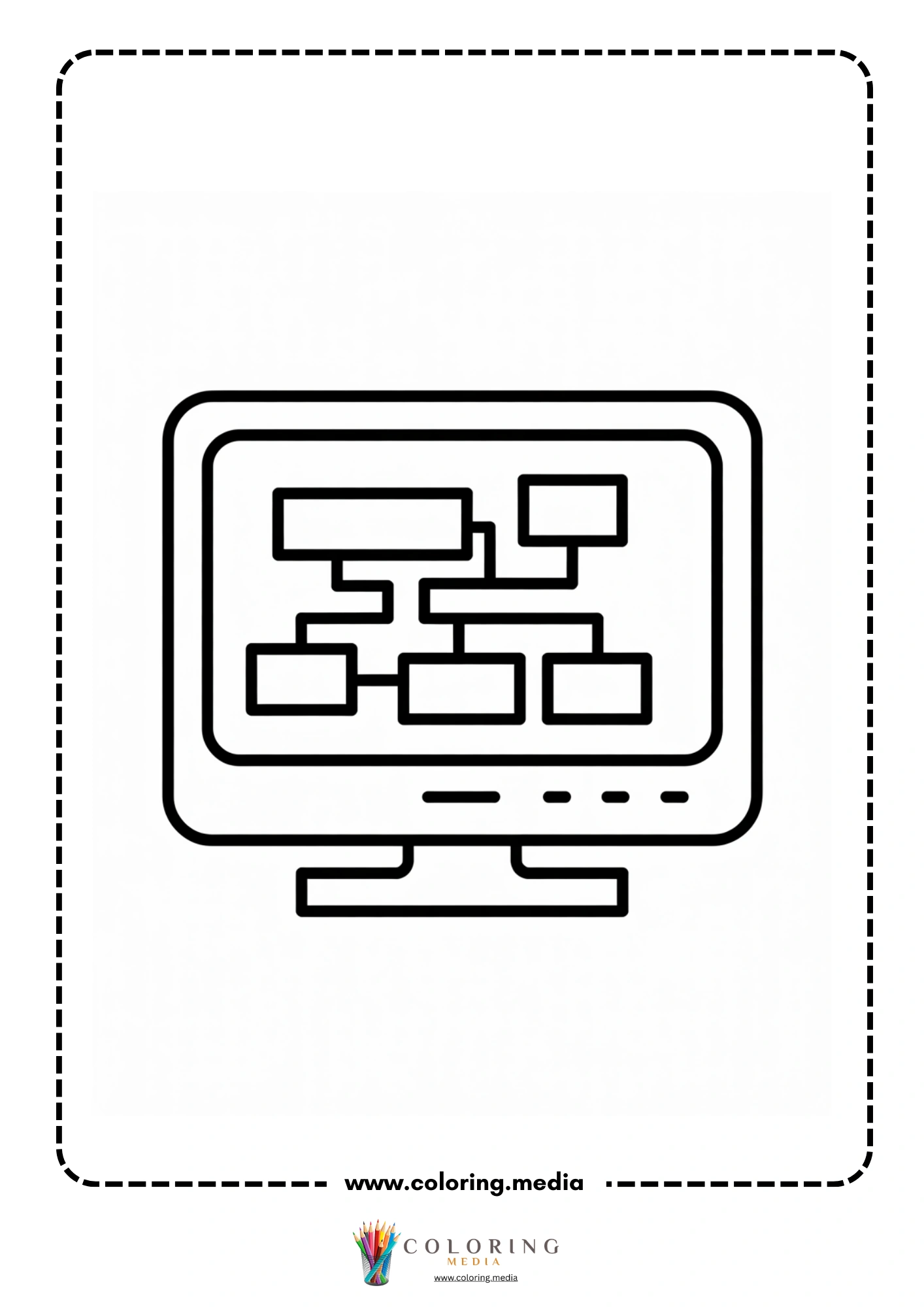
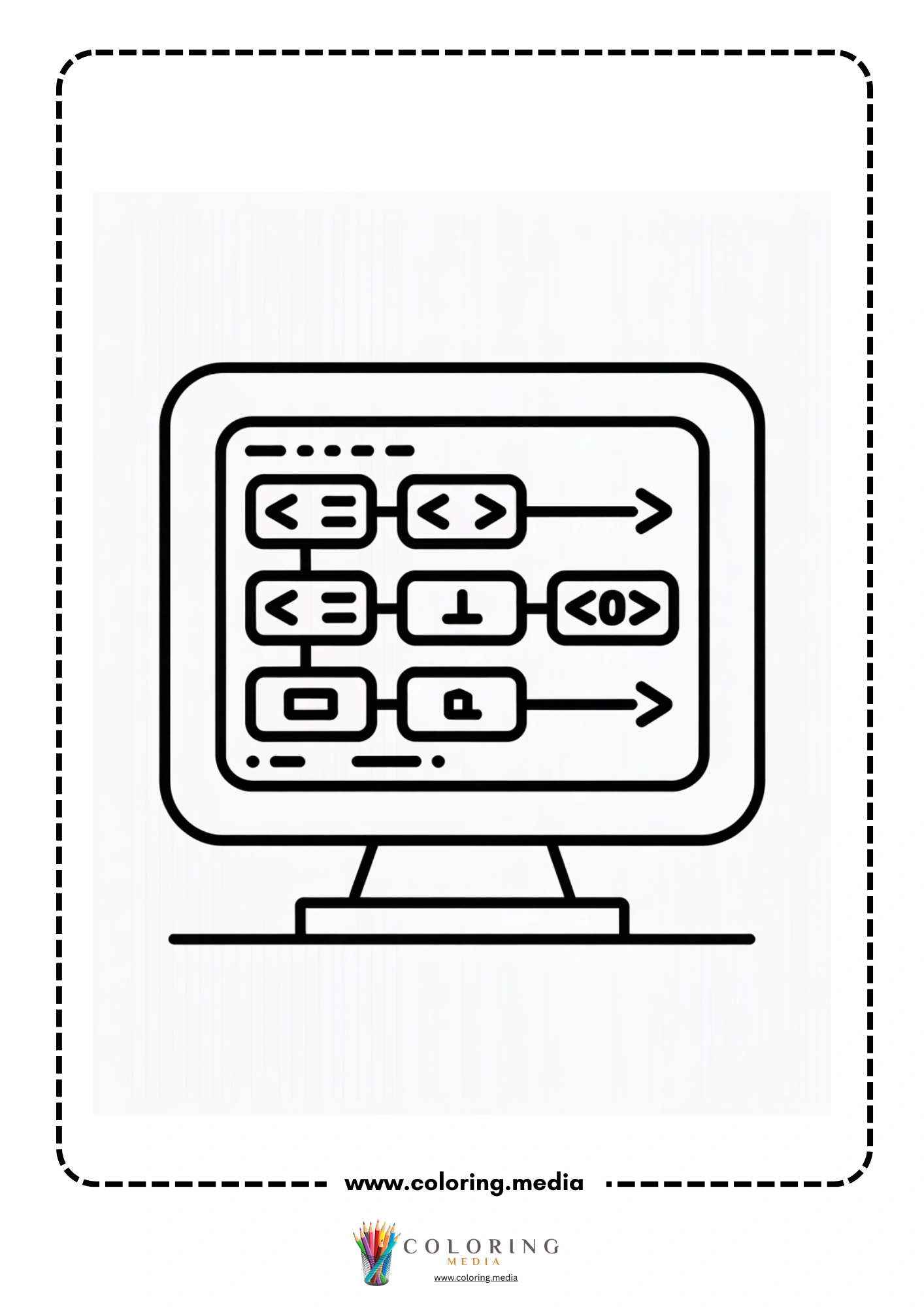
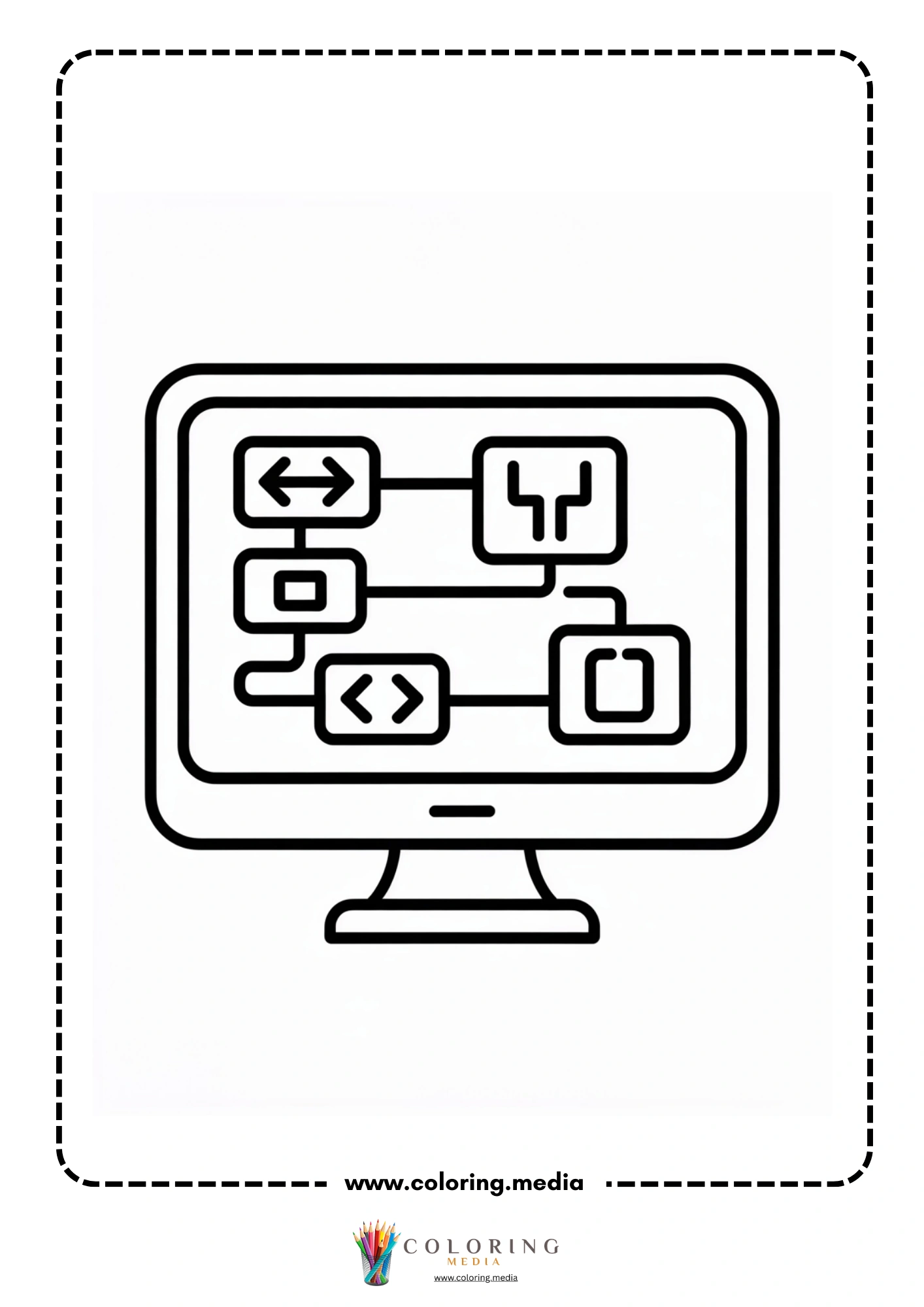
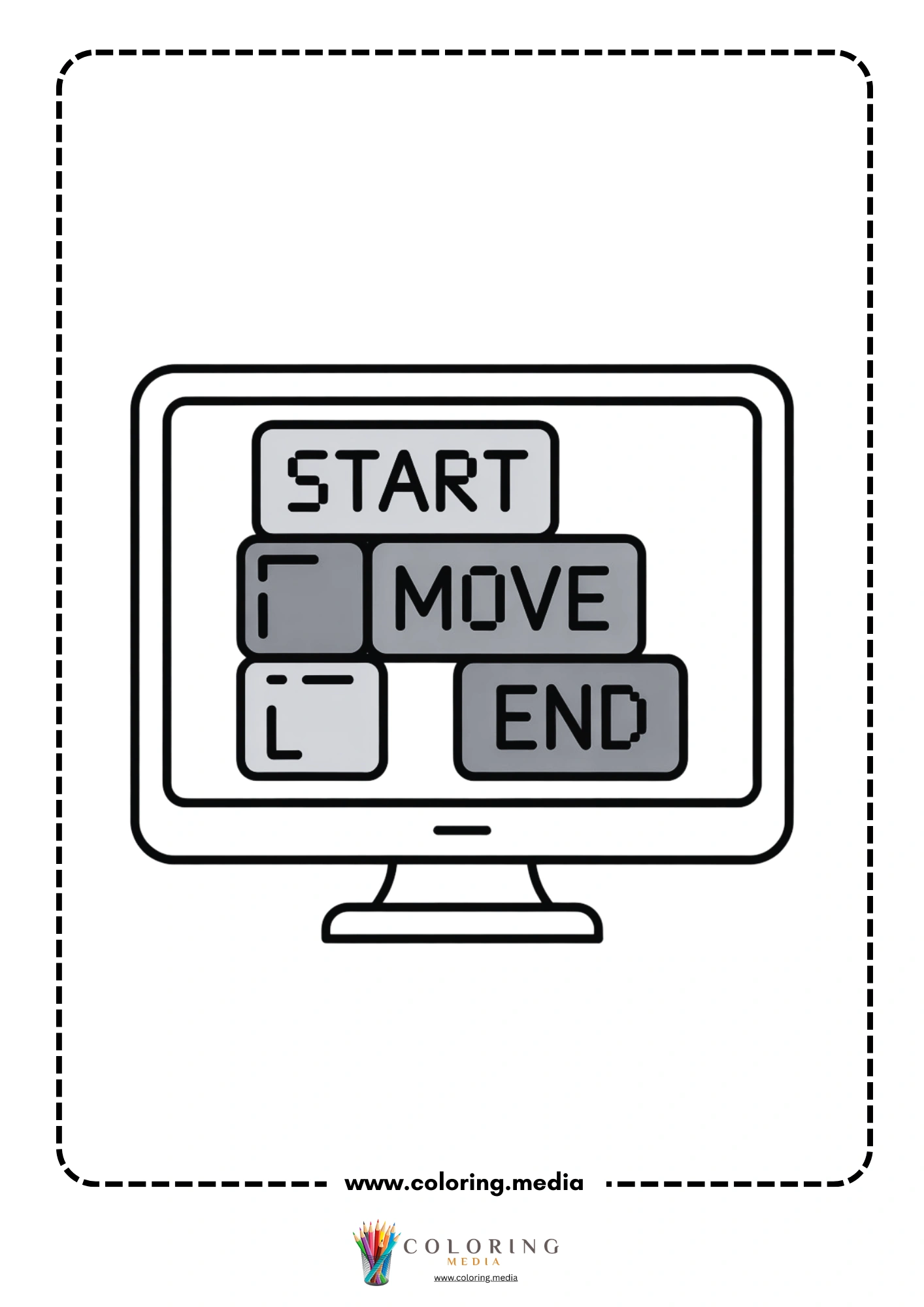
The twenty-eight pages divide into three recognizable visual categories. The first and largest group shows child characters at computers — some working alone, some in groups around a shared screen, some in what looks like a classroom lab setting. The second group introduces flowchart diagrams: boxes labeled START, ACTION, and END connected by arrows, the same notation used in real programming courses. The third group shows laptop and monitor illustrations with code-like symbols on screen. All three categories feel coherent because the art style — cartoon with 2–3mm outlines — stays consistent throughout.
The flowchart pages are particularly useful because they represent actual computational thinking, not just the aesthetic of coding. Everything here is free to download and easy to print.
Free Printable Coding Coloring Pages
This collection includes 28 printable coding coloring pages featuring children working individually and in groups at desktop computers and laptops, classroom computer lab scenes with multiple students, flowchart diagrams showing START-ACTION-END logic sequences, laptop screens displaying code symbols and programming syntax placeholders, and a mix of close-up character portraits and wider classroom scenes. The breadth of page types makes this set useful across multiple lessons in a coding or computational thinking unit. All pages print on A4 or US Letter paper.
Who Are These Coding Coloring Pages Best For?
Kindergarteners will enjoy the character scenes, particularly the group and classroom pages where the dominant subject is children rather than technical diagrams. The outlines on these pages are thick enough for crayon coloring and the computers serve as recognizable, real-world objects that most five-year-olds have already encountered.
Early elementary students (grades 1–3) get the most value from this set as a whole. The flowchart pages introduce logical sequencing — an idea central to programming — in a visual format that makes sense as a coloring page while also carrying real educational weight. A second-grader who has colored a flowchart and discussed what it means is better prepared for a block-coding session than one who has not.
Coding clubs, maker spaces, and homeschool STEM programs will find the variety here useful for multiple sessions. The set works equally well as an introduction to a lesson (coloring the flowchart before discussing logic) or as a wrap-up activity (coloring the computer lab scene after a Scratch or block-coding session).
Interesting Coding Facts to Share While Coloring
The first computer programmer was Ada Lovelace, who wrote algorithms for Charles Babbage’s Analytical Engine in 1843 — more than a century before modern computers existed. The programming language Ada, used by the US military and aerospace industry, is named in her honor.
The term ‘bug’ to describe a software error comes from an actual insect. In 1947, engineers working on the Harvard Mark II computer found a moth trapped in one of the relays, causing a malfunction. Grace Hopper’s team taped it into the logbook with the note ‘First actual case of bug being found.’
Most of the code running the world today was written in fewer than 20 programming languages, though over 700 have been created. Python, JavaScript, Java, C, and C++ collectively power the majority of software in everyday use.
A flowchart is not specific to coding — it is a general way of showing any process with decisions and steps. Doctors use flowcharts for diagnosis. Pilots use them for emergency procedures. The same notation a coder uses to plan an algorithm is used by engineers, lawyers, and scientists.
The first video game ever created was called Tennis for Two, built in 1958 on an oscilloscope. The creator, physicist William Higinbotham, built it to entertain visitors at a science exhibit and never patented it. He was more proud of his work on nuclear arms treaties.
Creative Coding Coloring and Craft Ideas
Flowchart Your Morning After coloring a flowchart page, draw your own flowchart showing the steps of your morning routine — from waking up to leaving for school.
Code the Robot On the back of a character page, write a sequence of five instructions (move forward, turn left, pick up object) to guide an imaginary robot from one side of a room to the other.
Screen Design For the laptop and monitor pages, design what you would put on the screen — draw your own app interface, game, or website in the blank monitor area.
Group Problem Solving Print the classroom lab scene for each child in a group. While coloring, give the group a real coding puzzle to solve collaboratively — a Scratch project or an unplugged activity.
Debug the Story Write a short three-step story with a deliberate error in the logic (‘First brush teeth, then wake up, then get dressed’). Challenge a partner to find the bug and rewrite it correctly.
Binary Code Name Tag Look up the binary representation of the first letter of your name and write it on the back of a colored computer page.
Algorithm Art Write a five-step algorithm for drawing a simple shape (square, star) without lifting the pencil. Give the algorithm to a friend and see if their drawing matches yours.
Career Interview Write five questions you would ask a software engineer and answer two of them based on what you already know or can research.
How to Print These Coding Coloring Pages
Each file downloads as a single PDF at 300 dpi, formatted for A4 and US Letter paper. Print from Adobe Reader or a browser with ‘fit to page’ selected. Standard copy paper works for all media used with this age group. For the flowchart diagram pages, fine-tip colored pens produce cleaner results than broad crayons. Select black-and-white printing to save ink.
Explore More STEM Coloring Pages
If you enjoyed these pages, you may also like:
Computer Coloring Pages
Circuit Coloring Pages
Electronic Coloring Pages
Technology Coloring Pages
STEM & Technology Coloring Pages