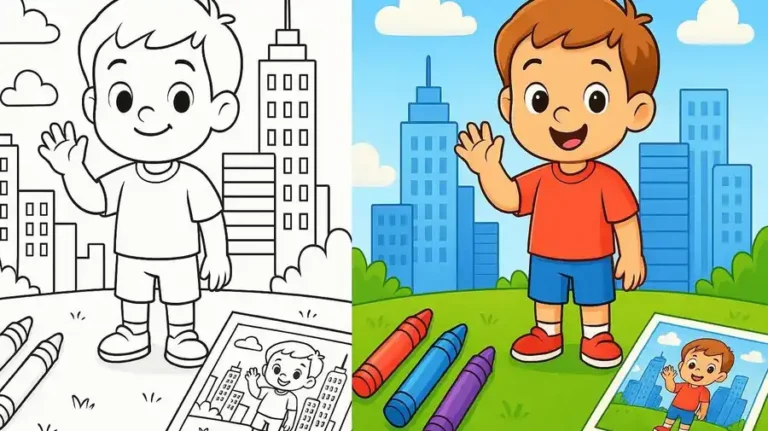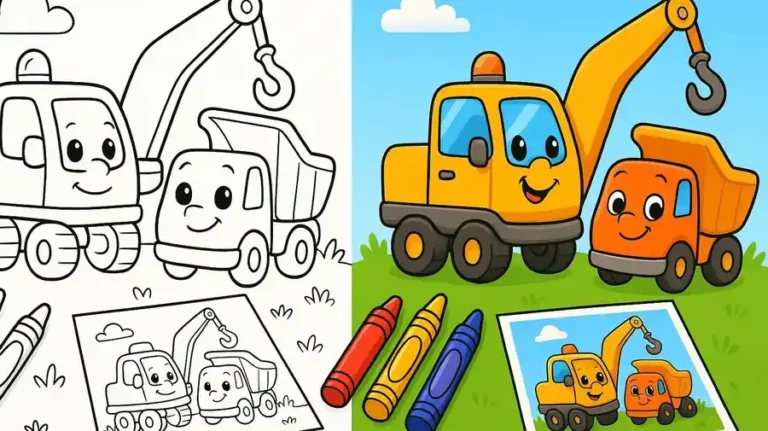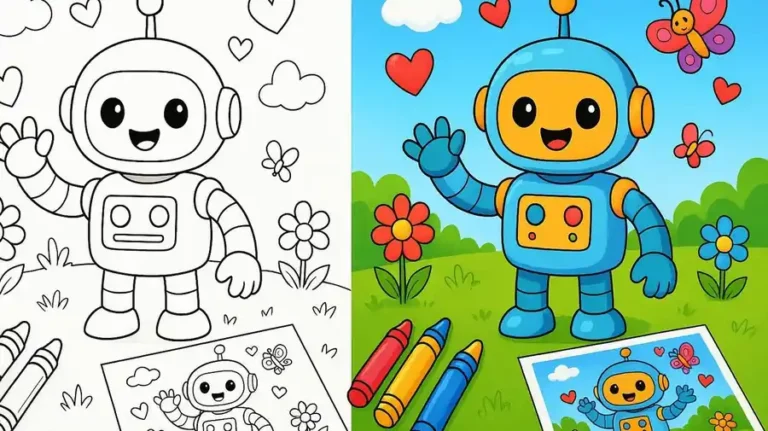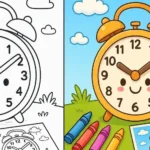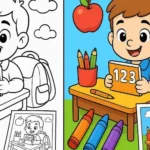

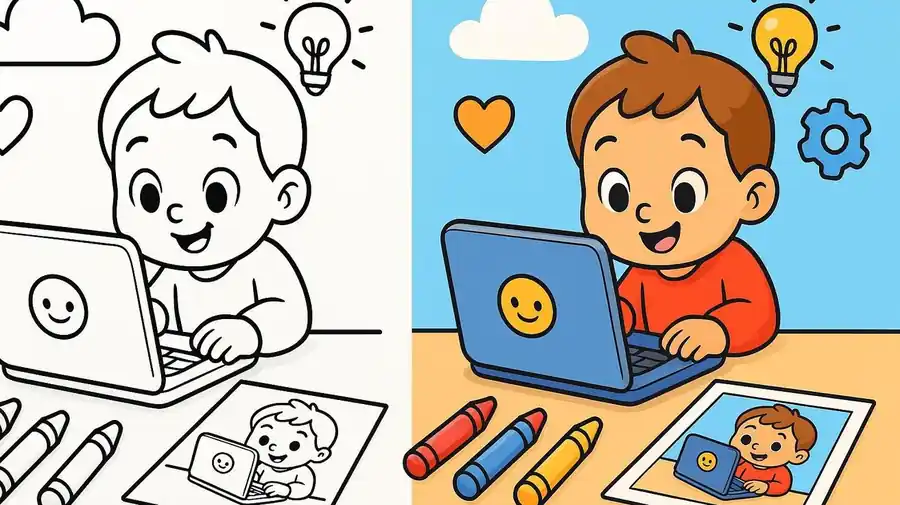
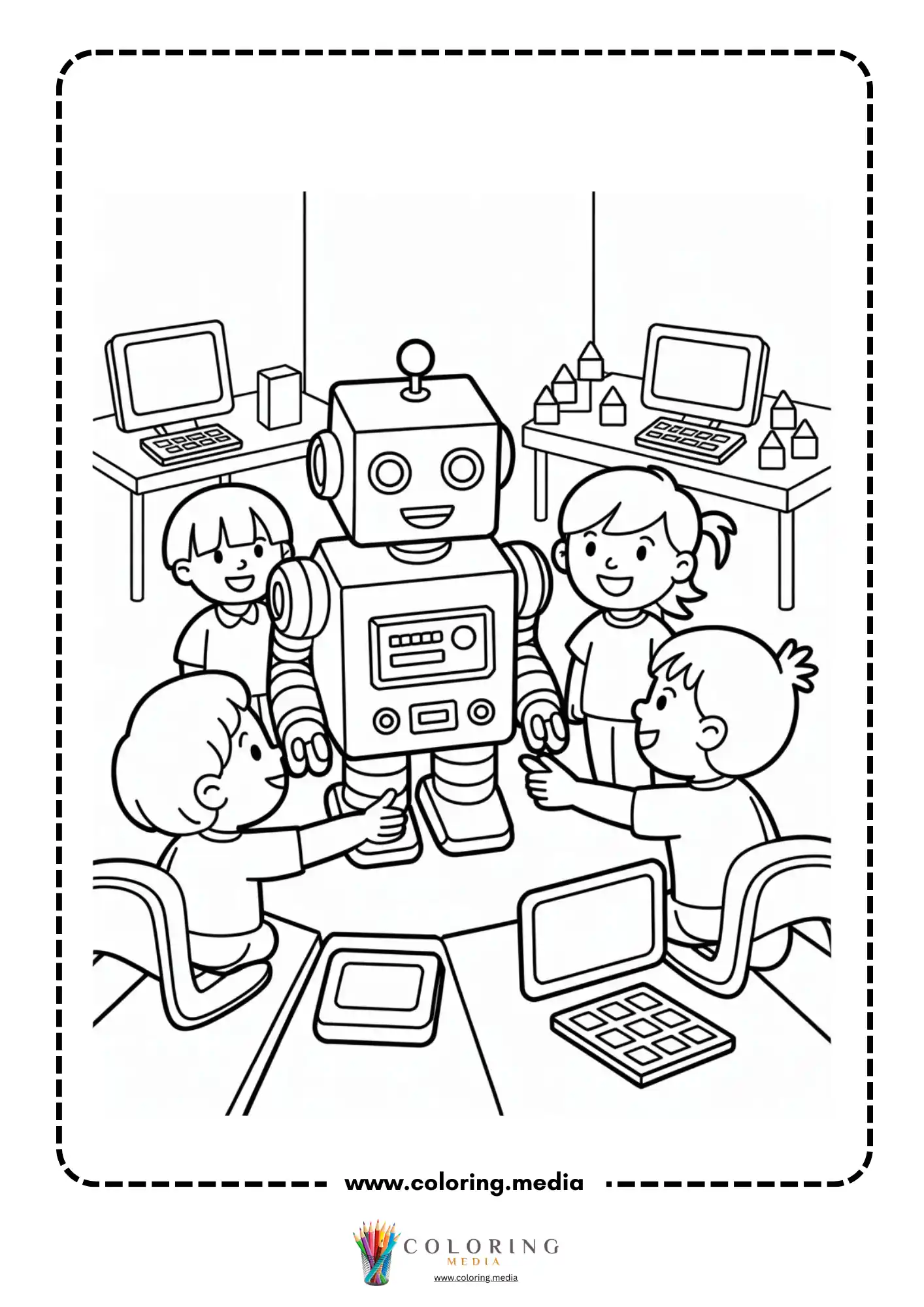
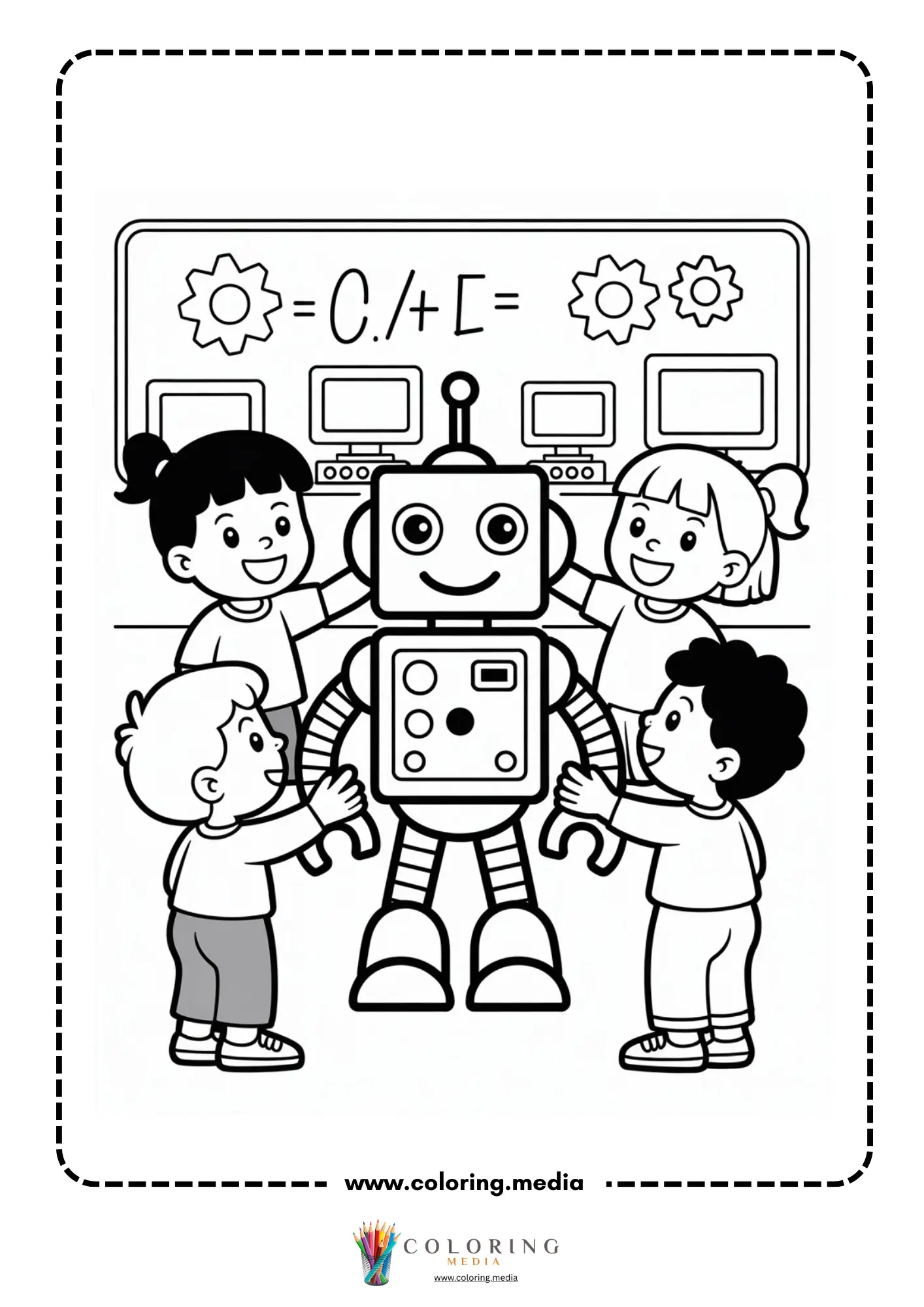
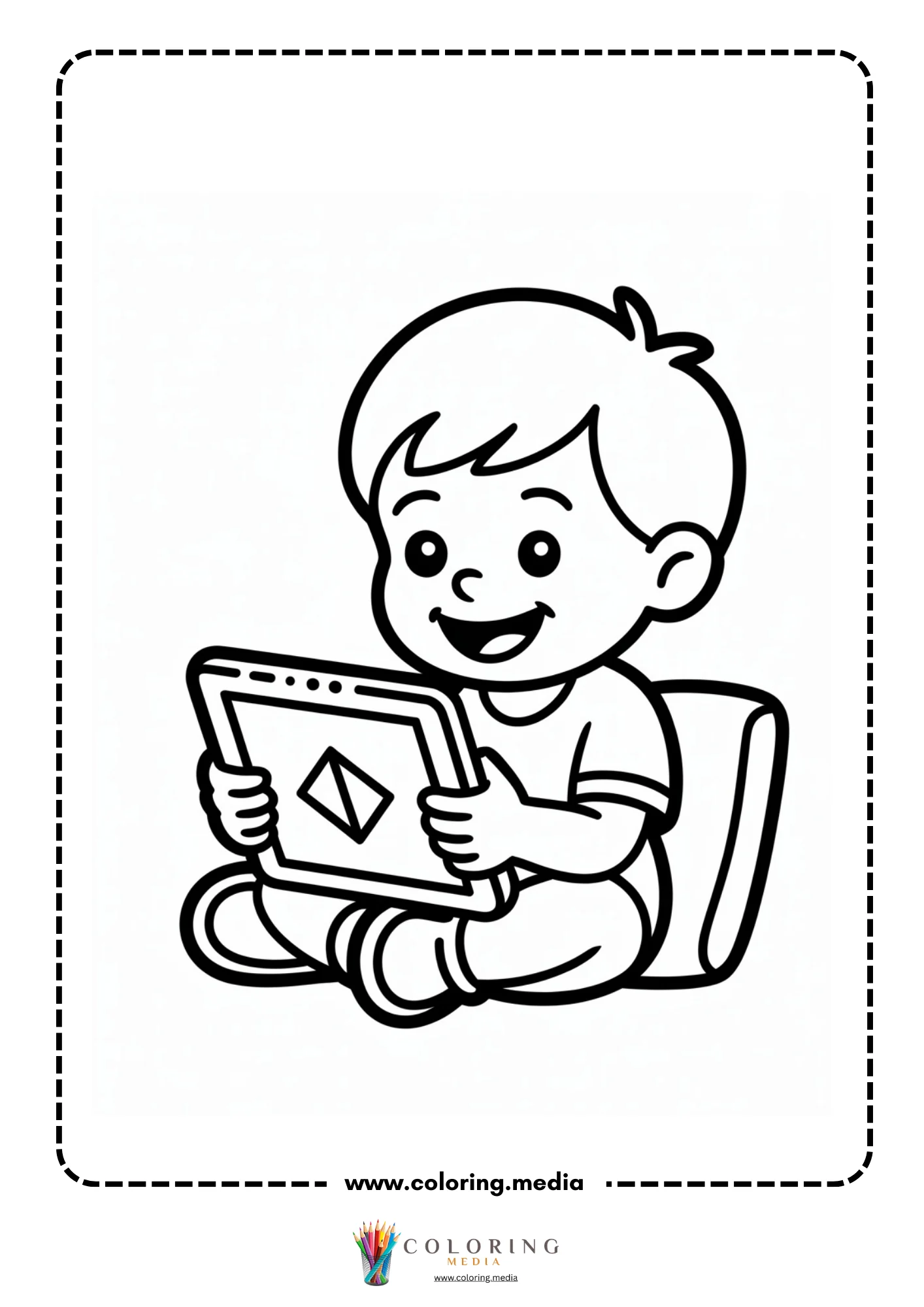
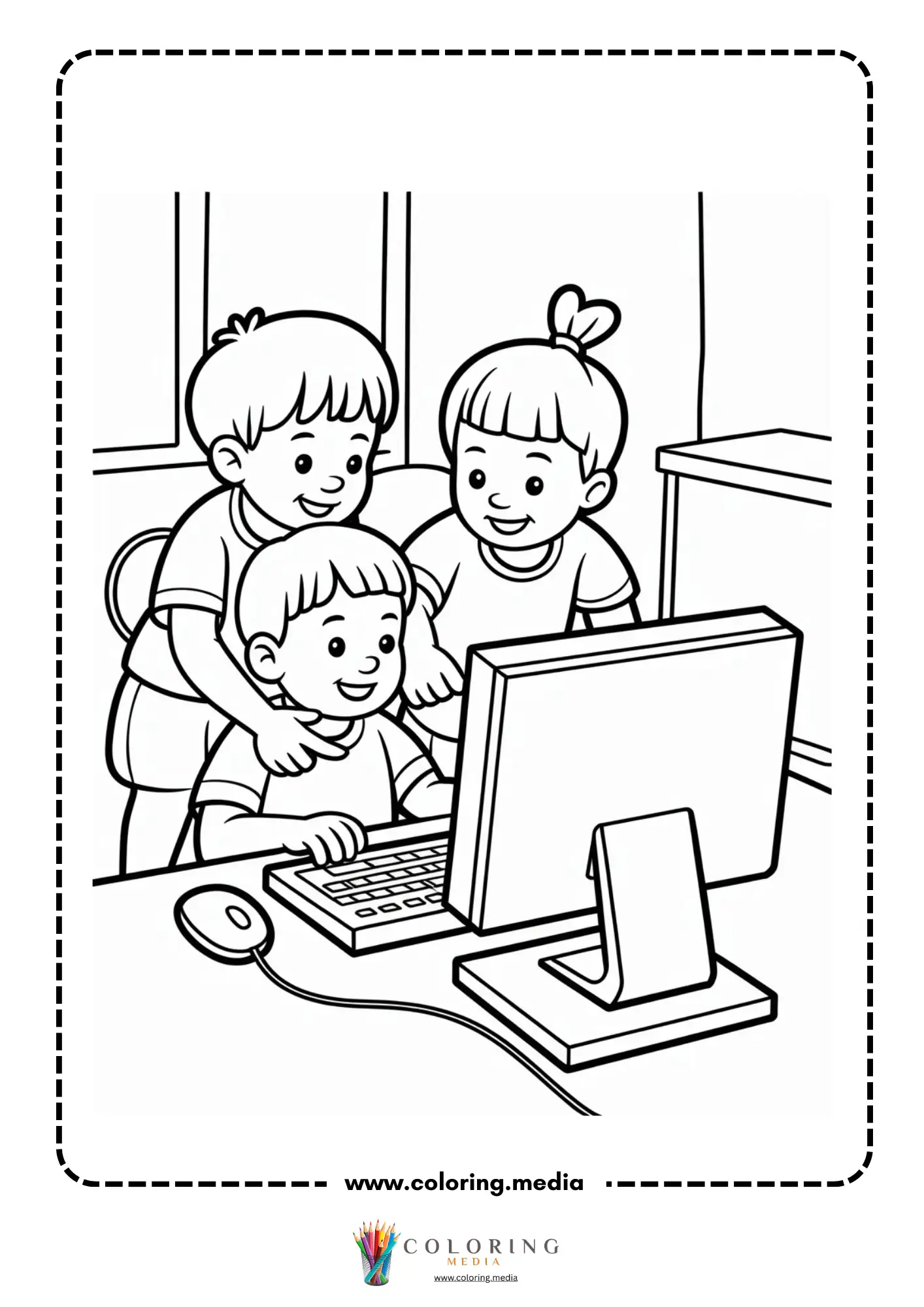
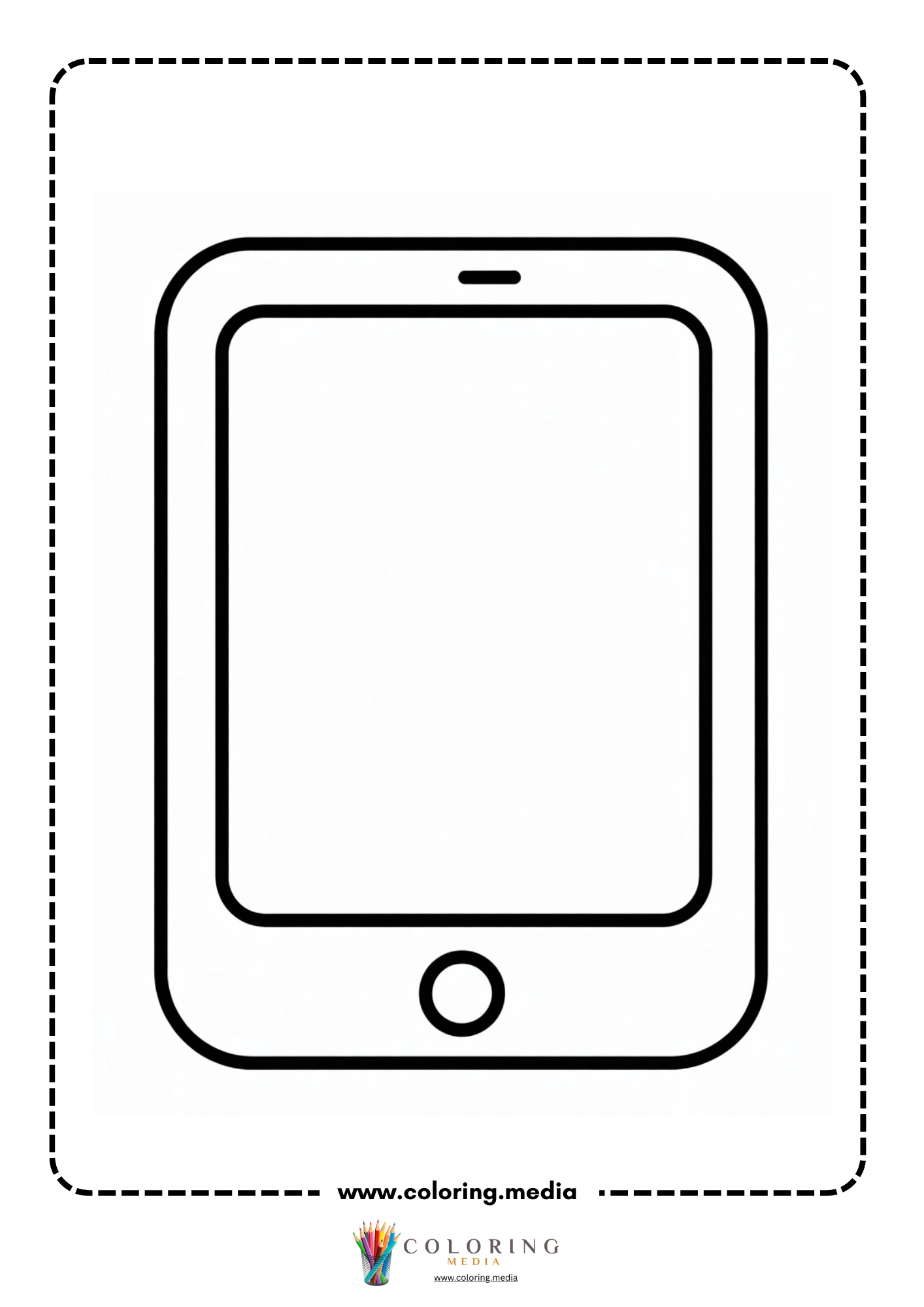
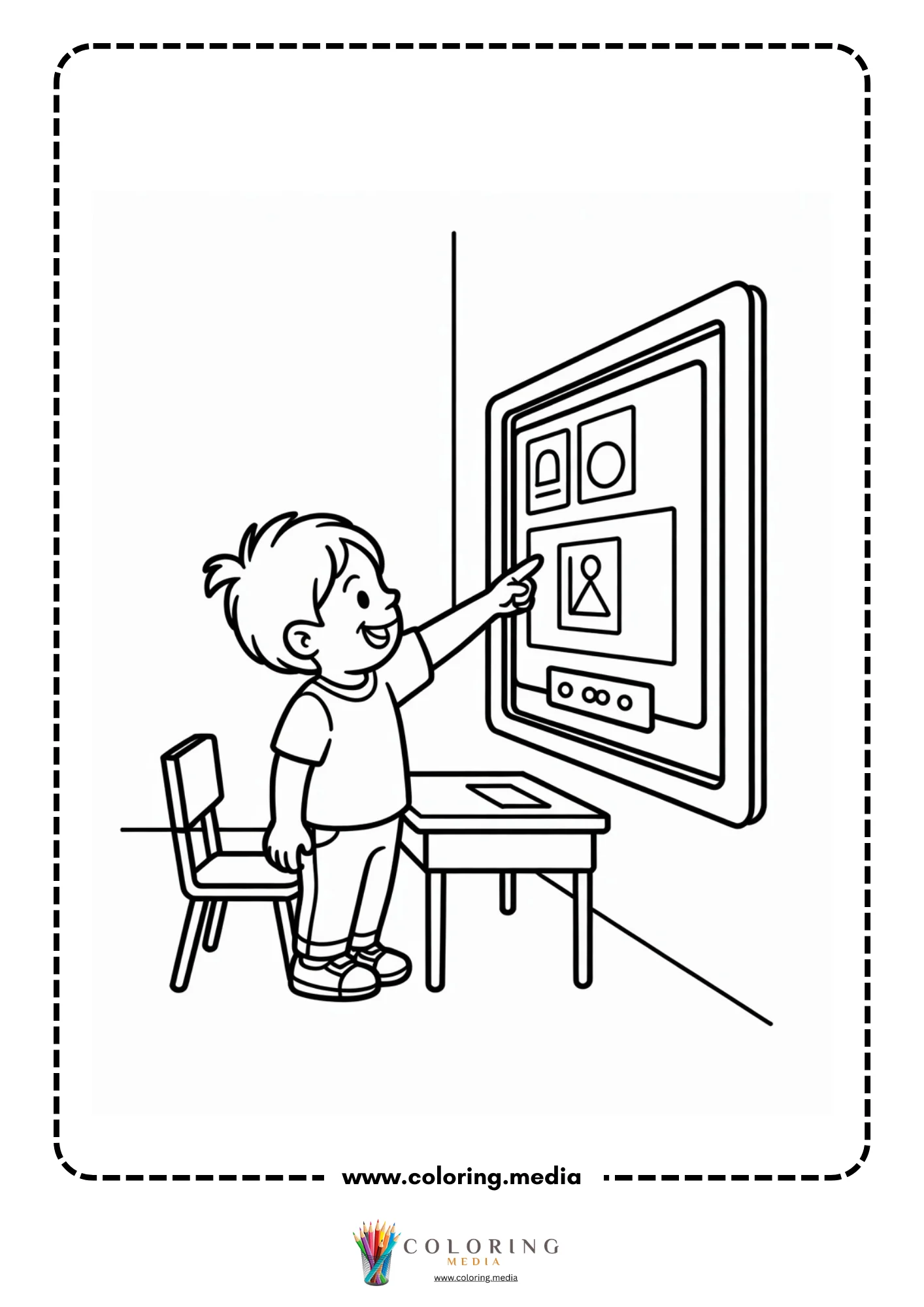
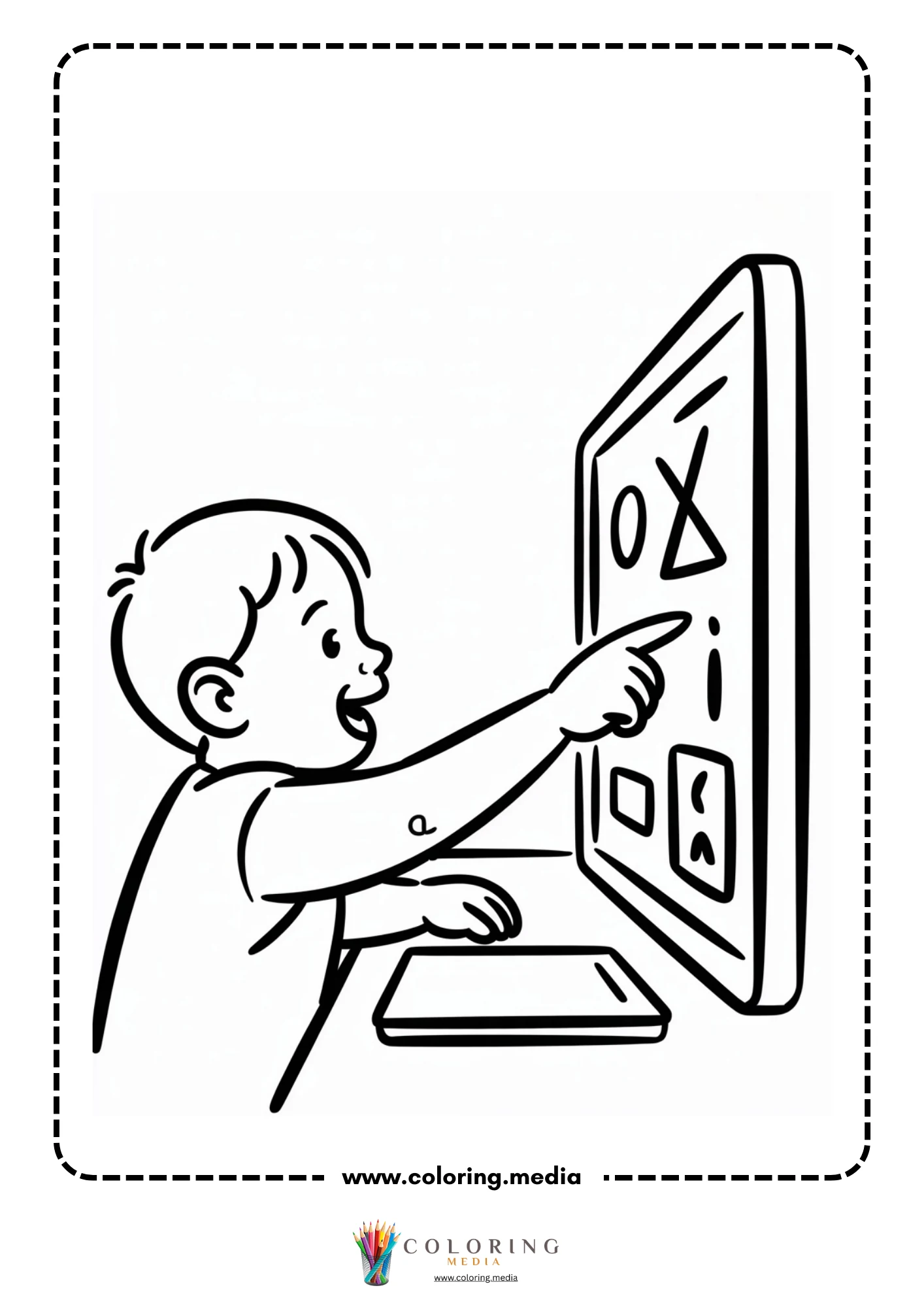
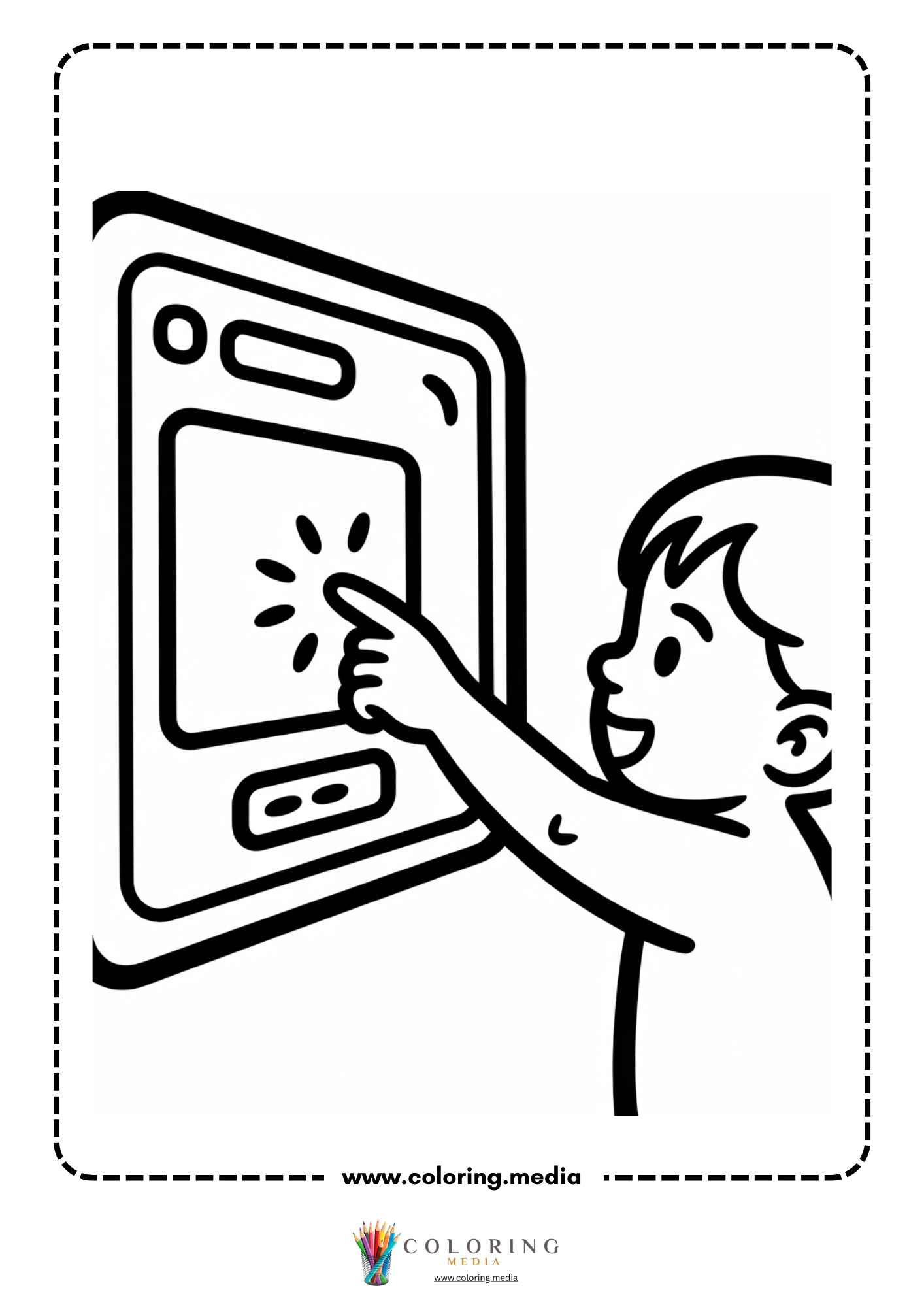
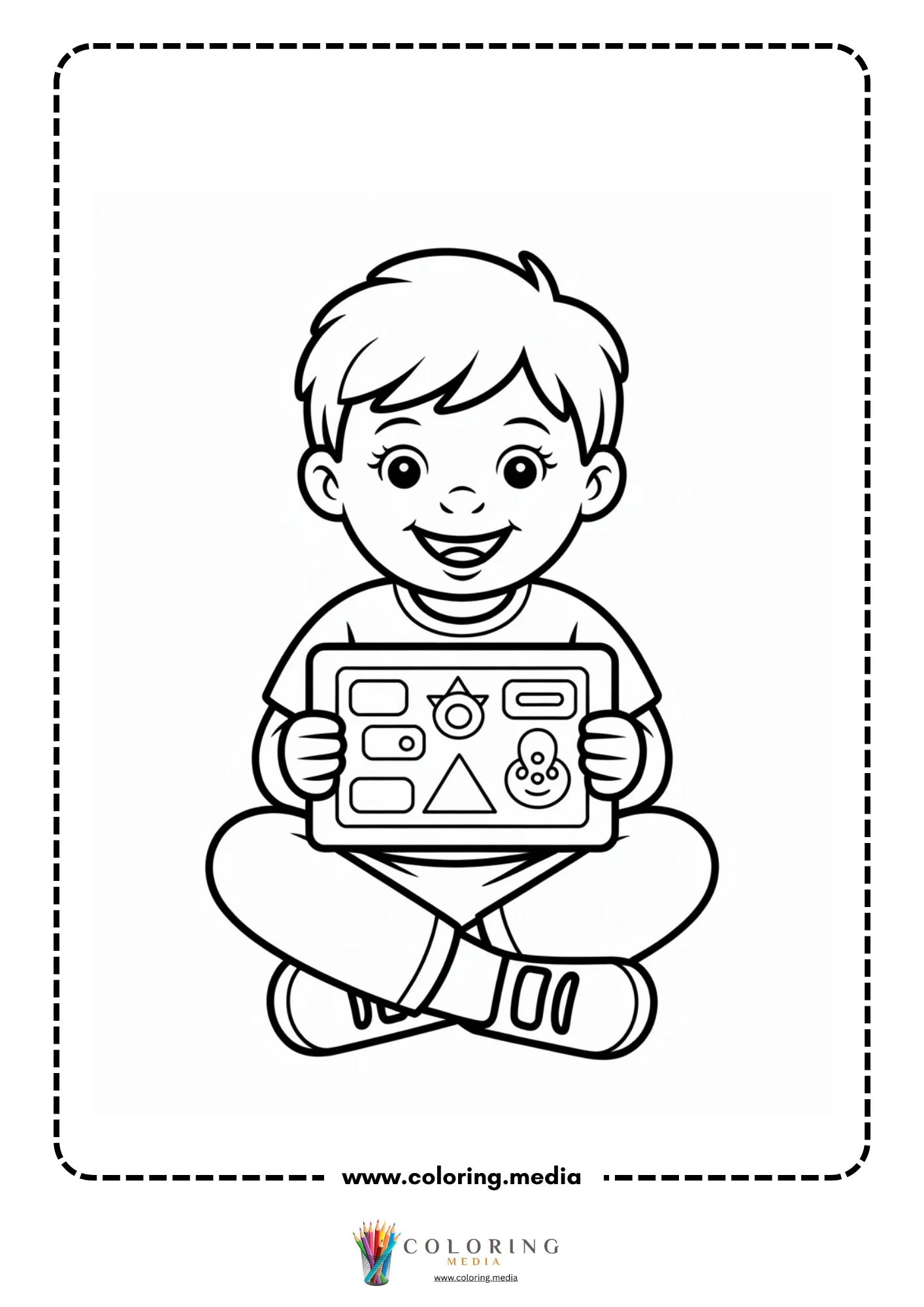
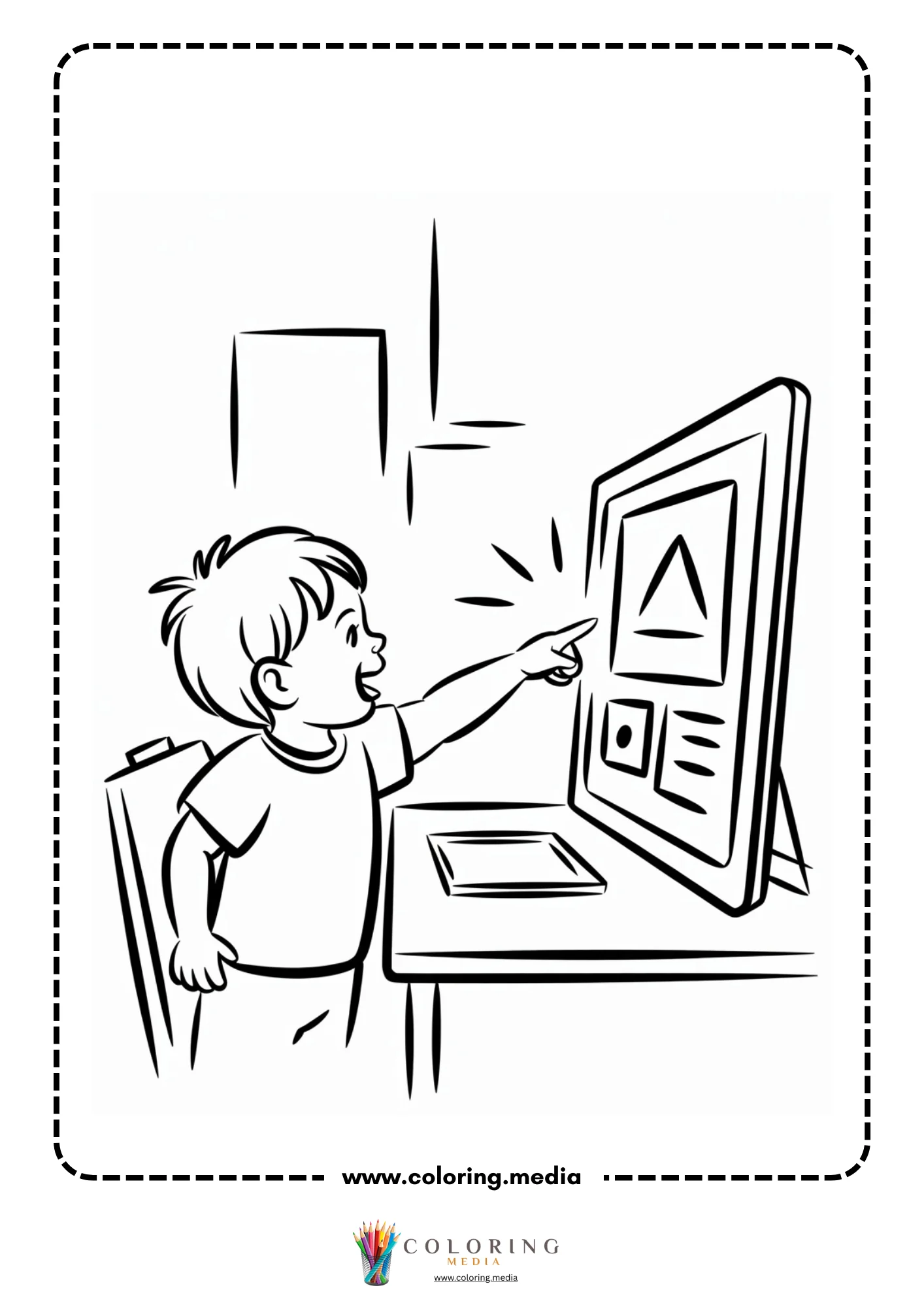
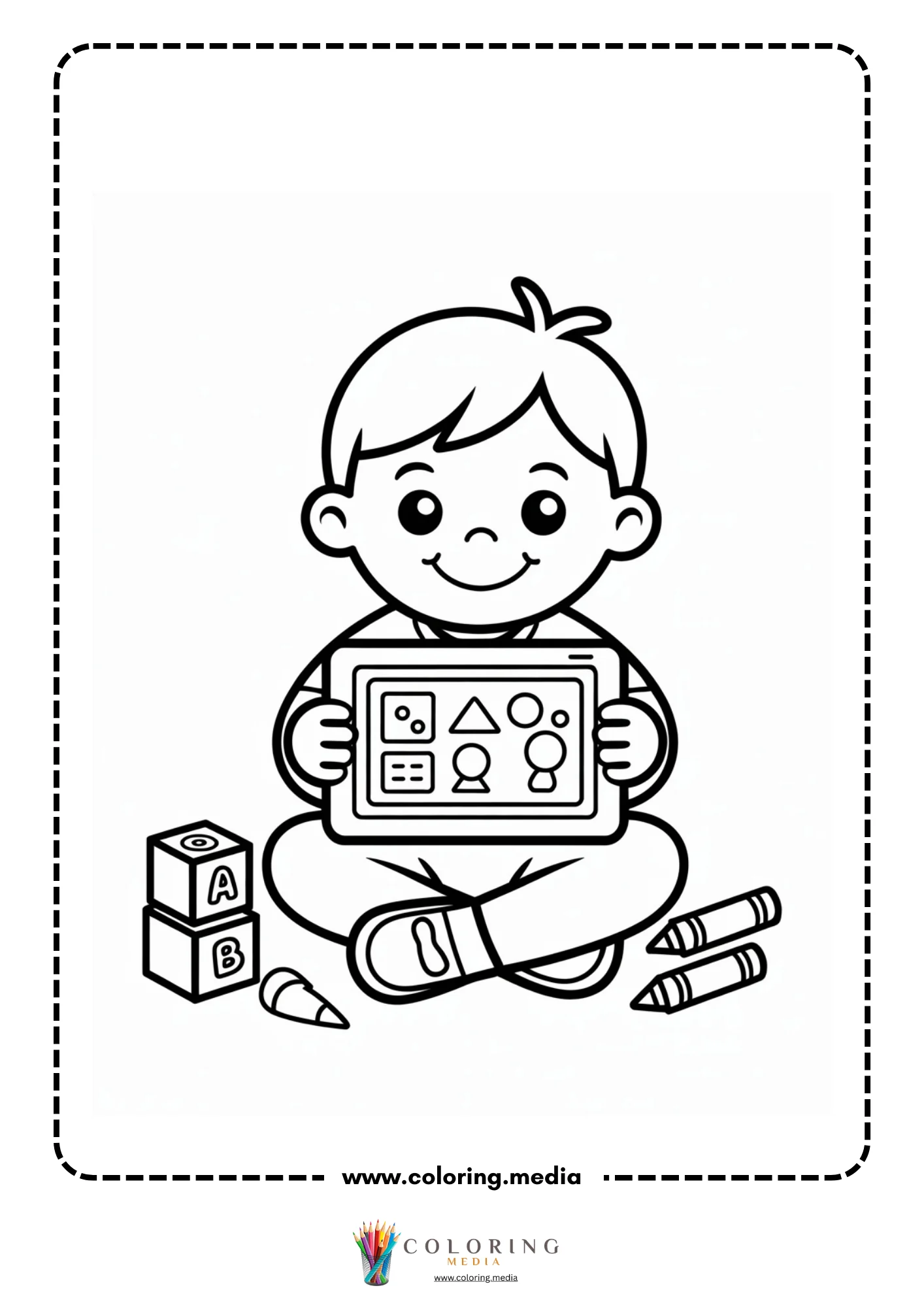
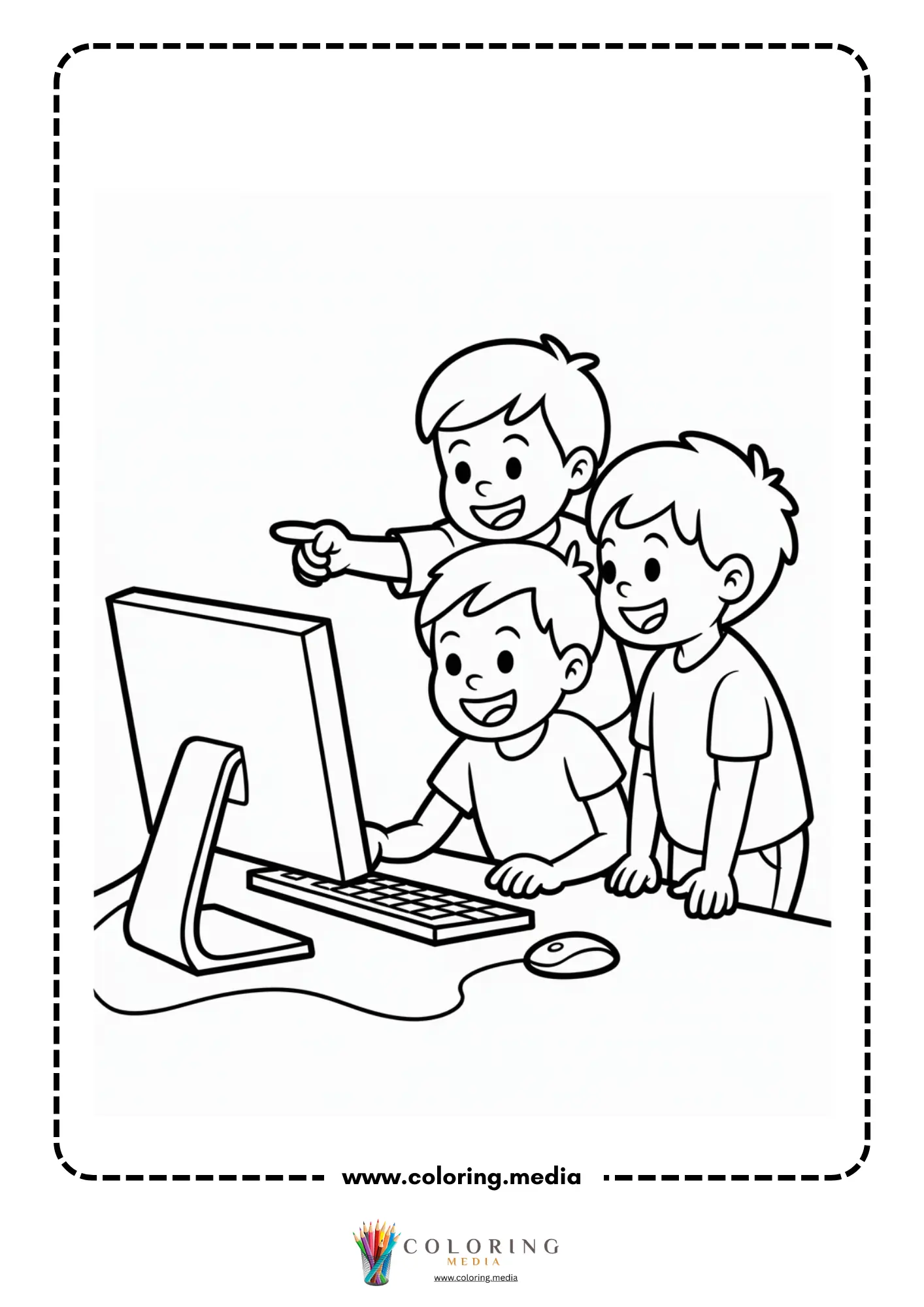
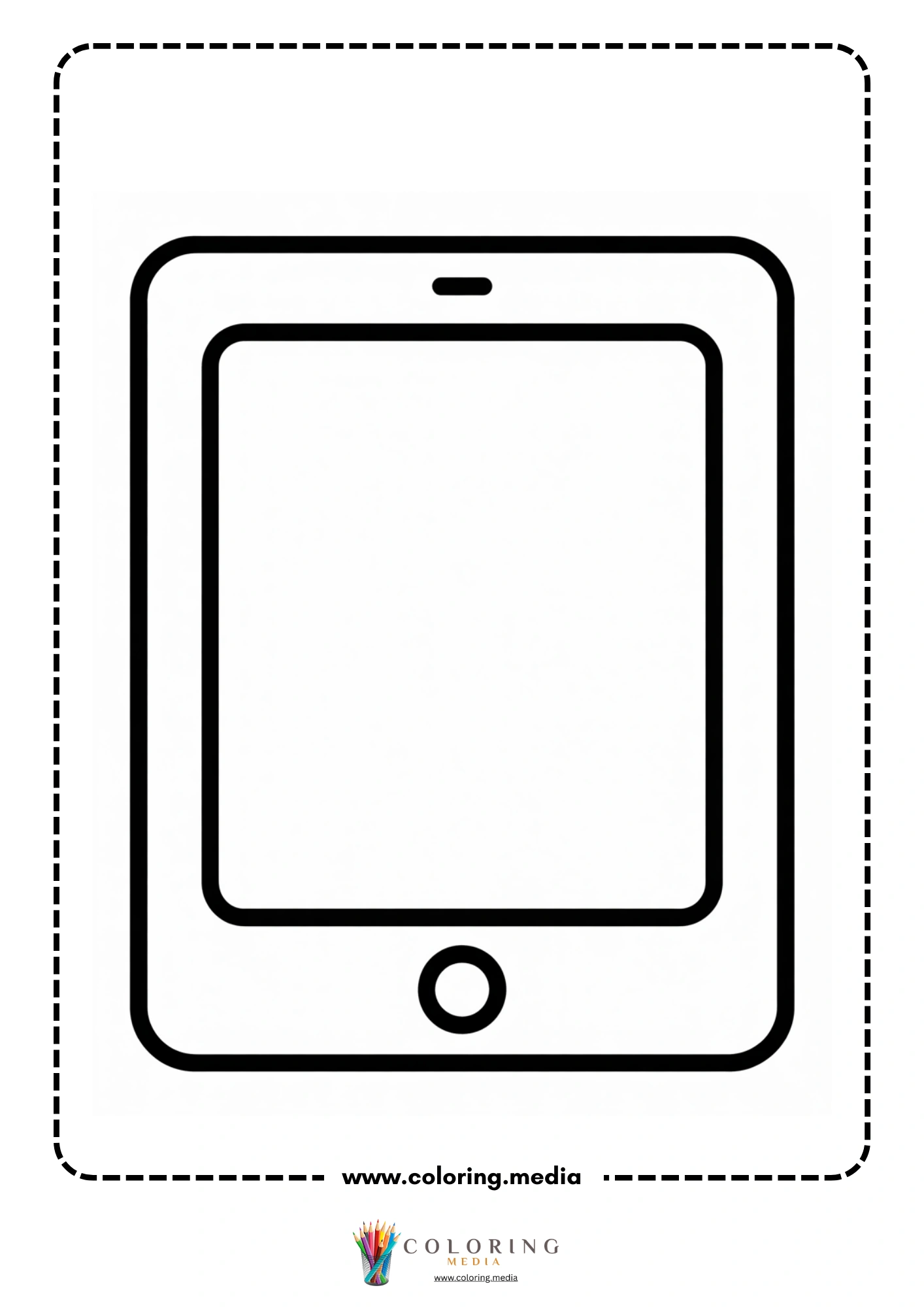
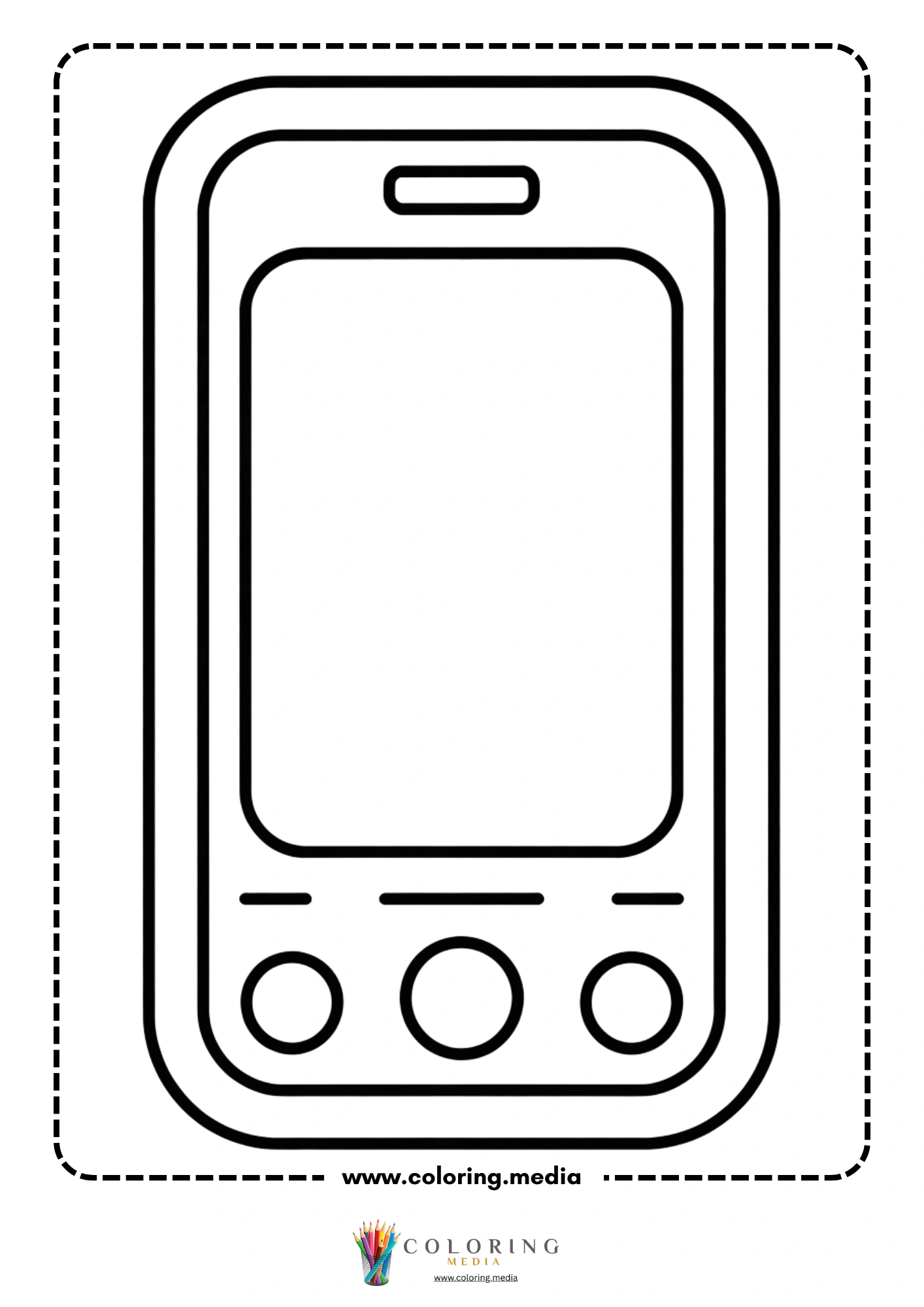
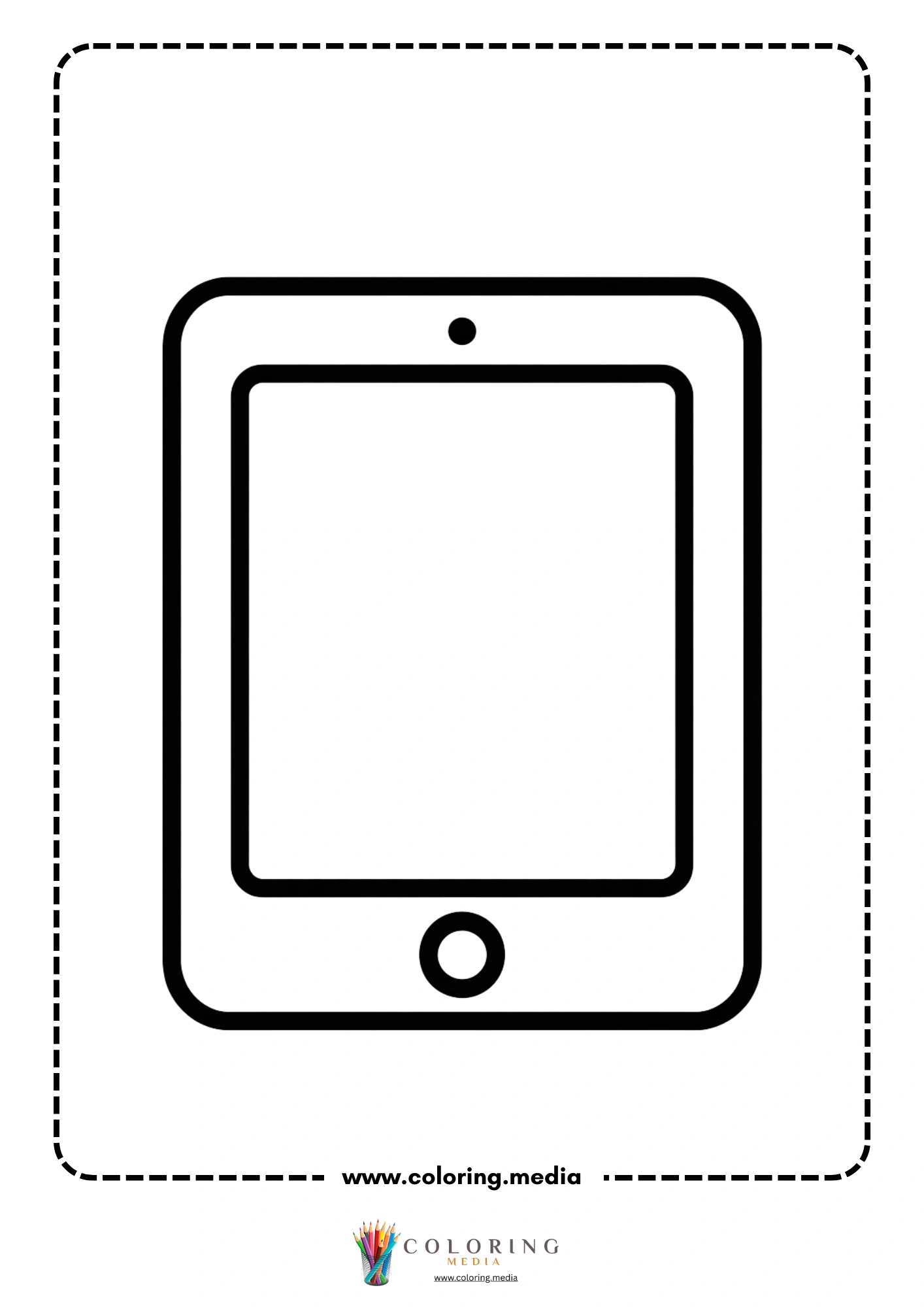
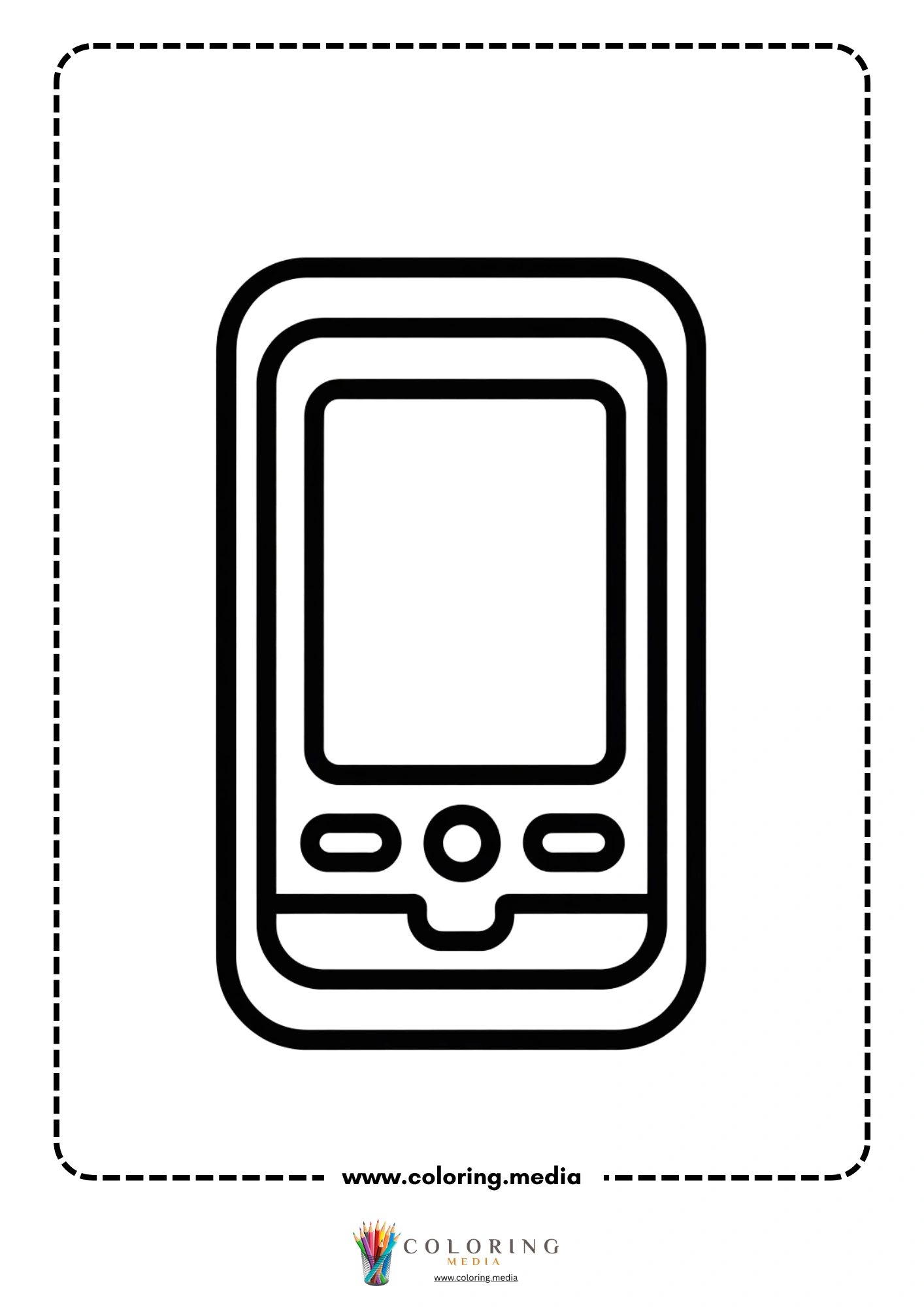
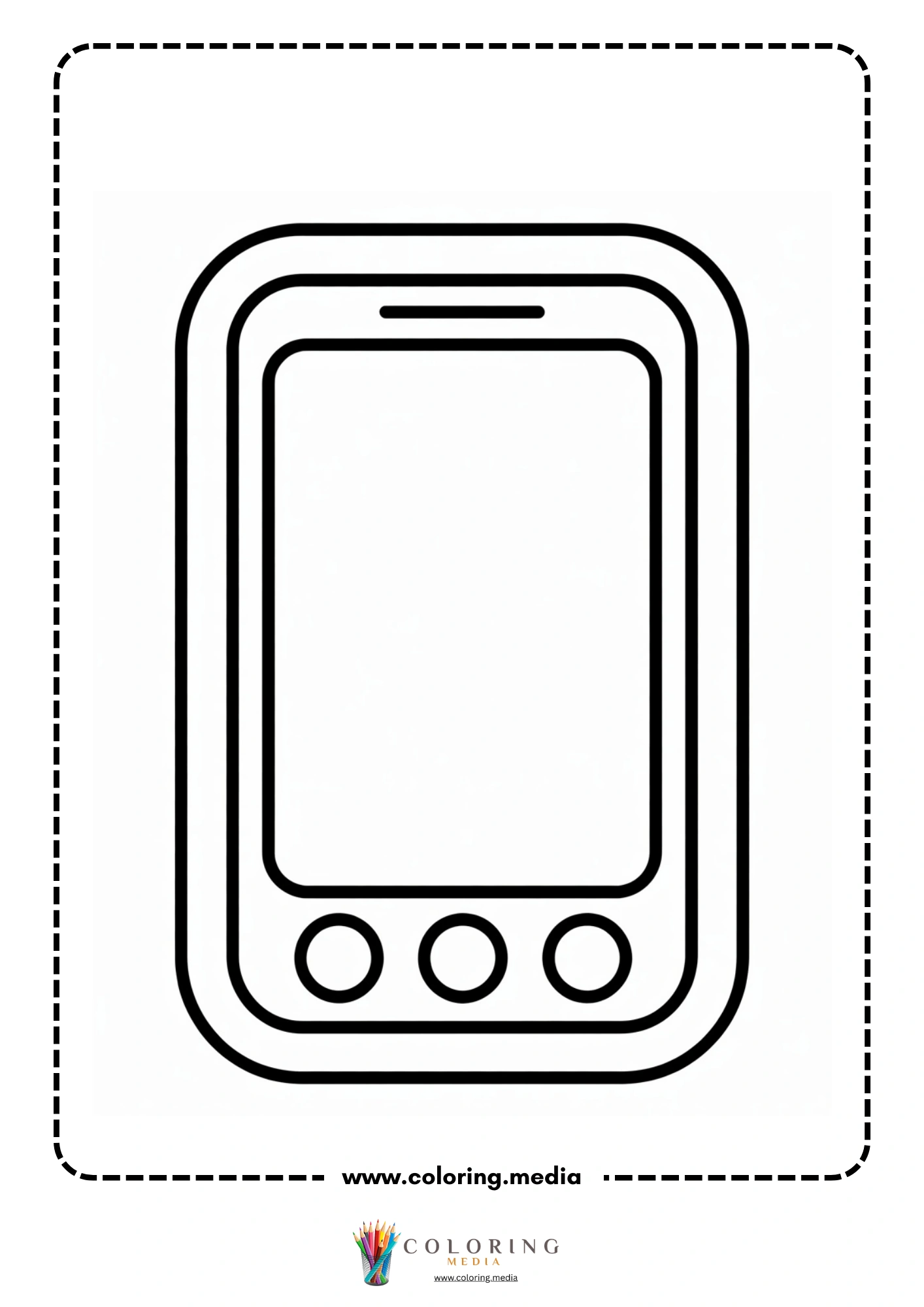
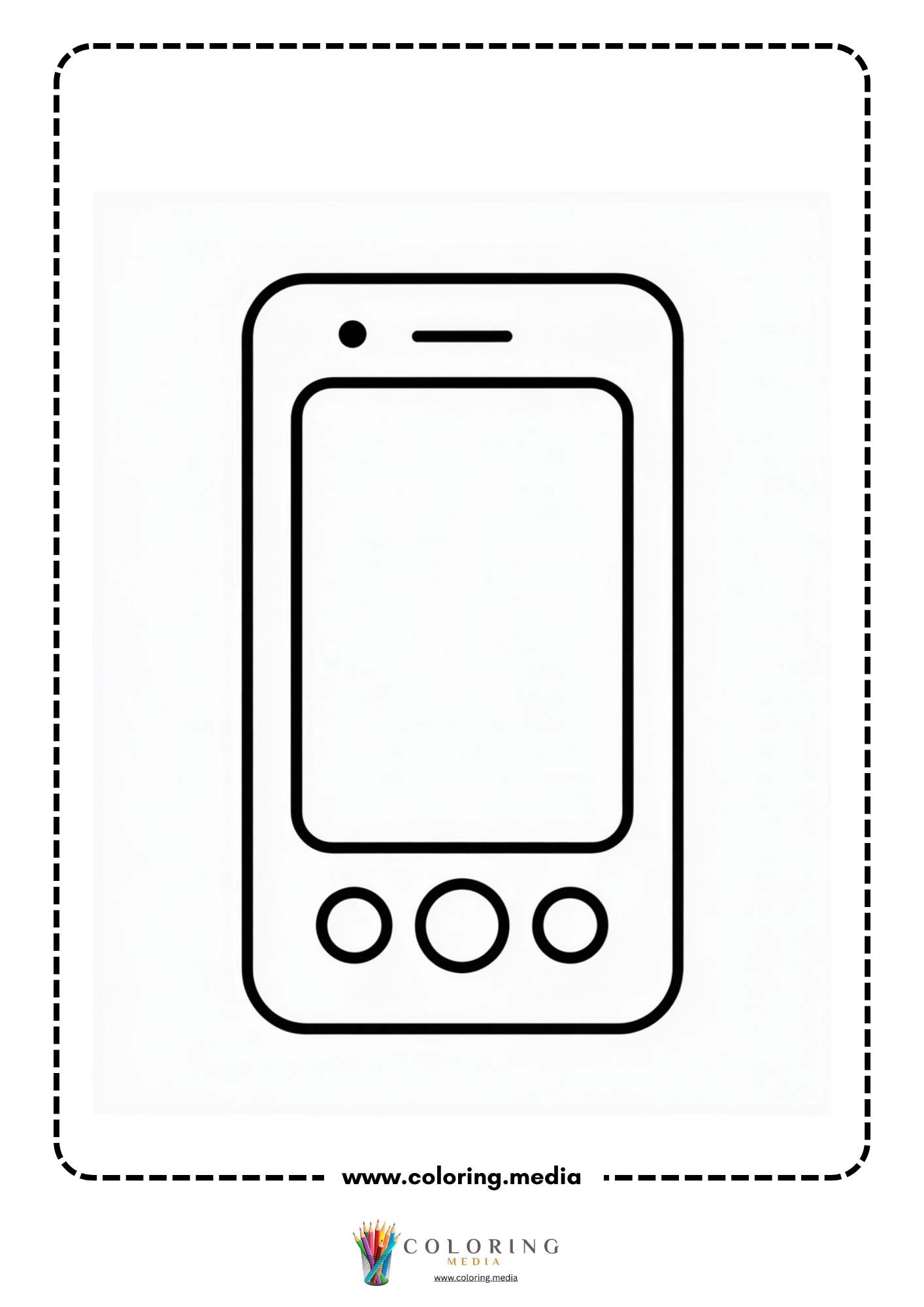
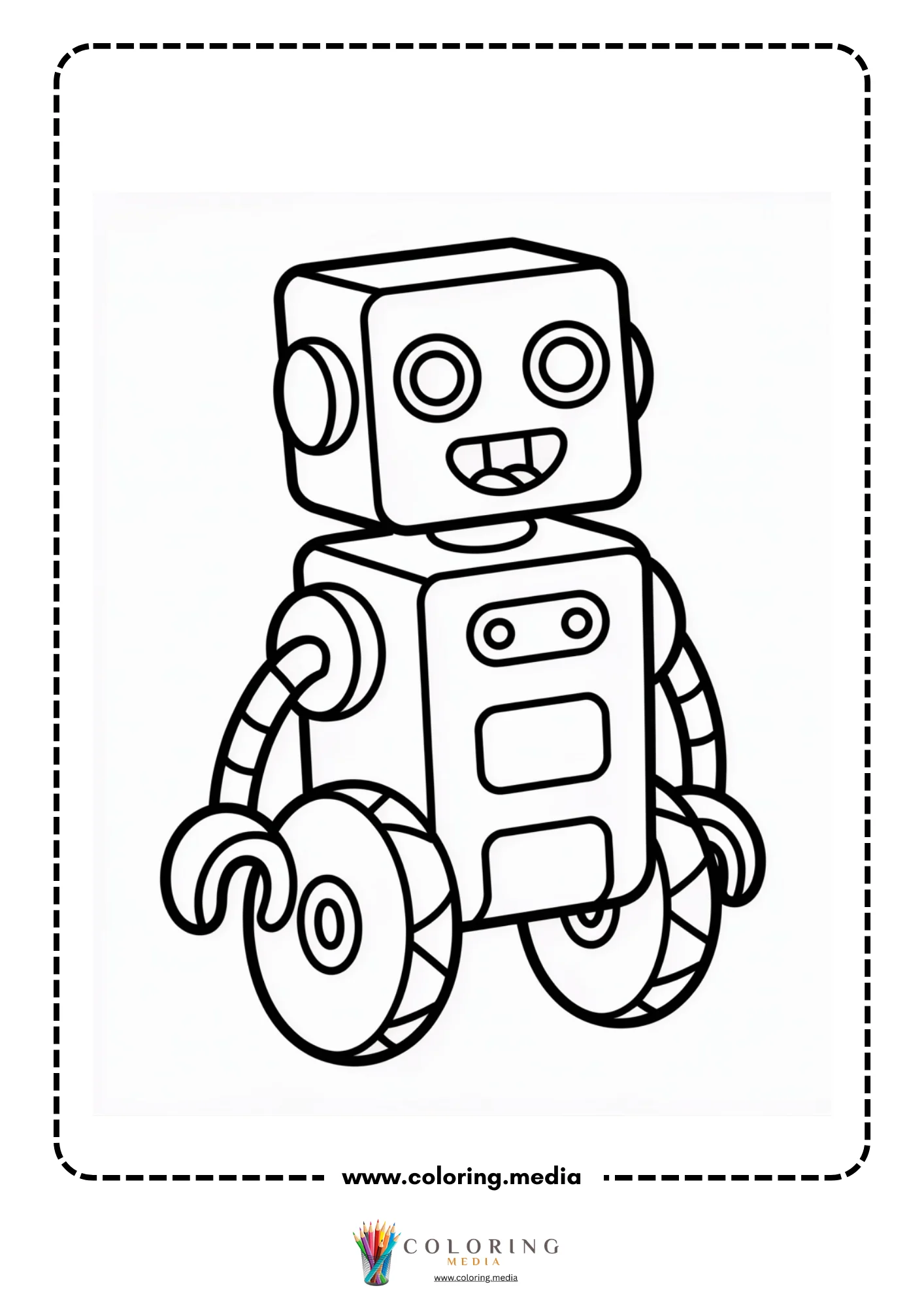
The twenty-four pages here center on the devices children encounter in their own daily lives — tablets, smartphones, and interactive screens — alongside classroom tech scenes showing children learning with technology. About a third of the pages are clean device illustrations: a tablet in portrait orientation, a smartphone with a rounded bezel, a monitor with a blank screen. Another third shows children using these devices — a child sitting cross-legged with a tablet, a group gathered around a screen, a kid in front of an interactive whiteboard. The final group mixes robots into the tech scenes, connecting devices to the broader idea of intelligent machines.
The art style is consistent clean cartoon with 2–3mm outlines, making the device pages as accessible as the character pages for a kindergartener with crayons. Everything here is free to download and easy to print.
Free Printable Technology Coloring Pages
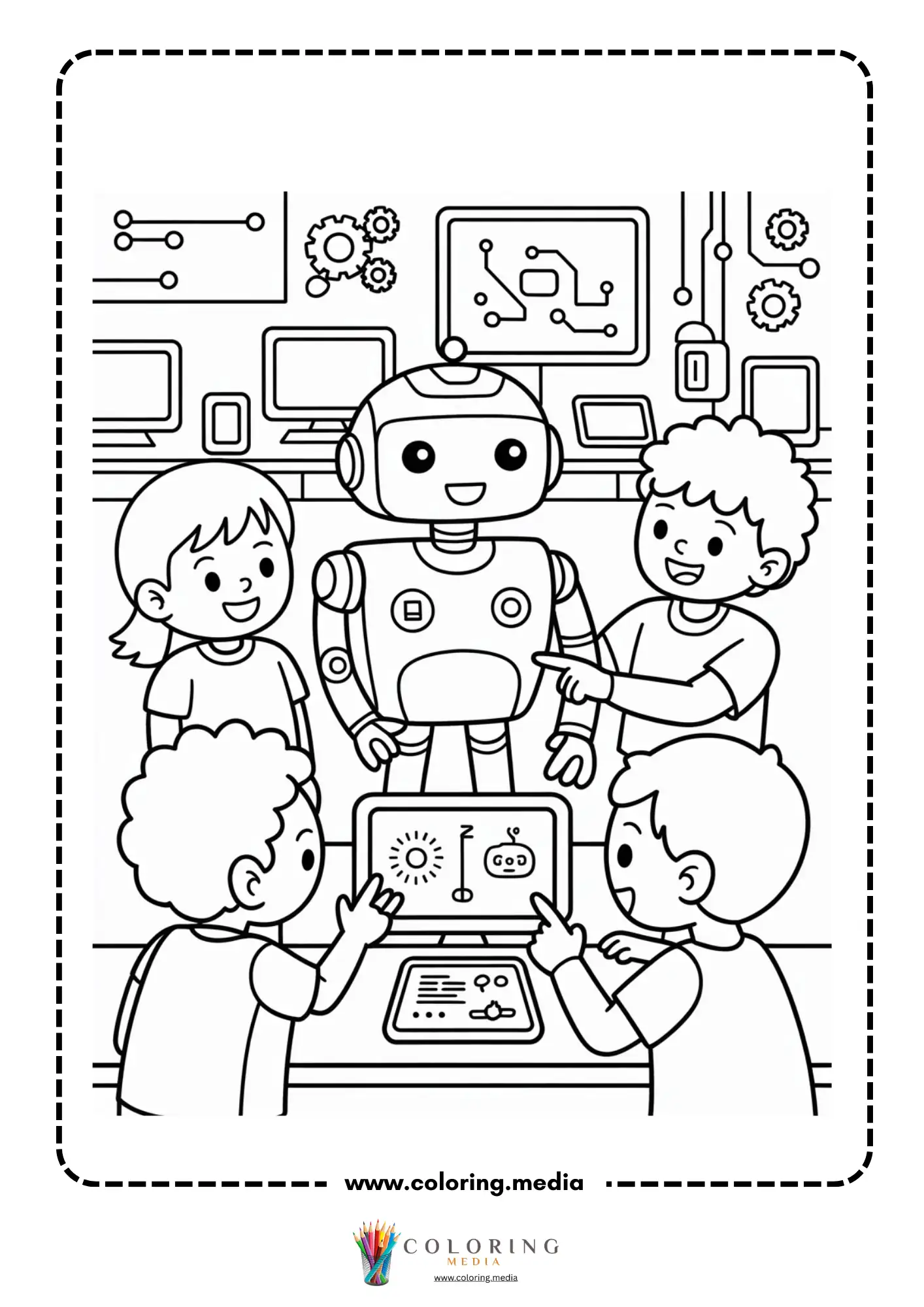
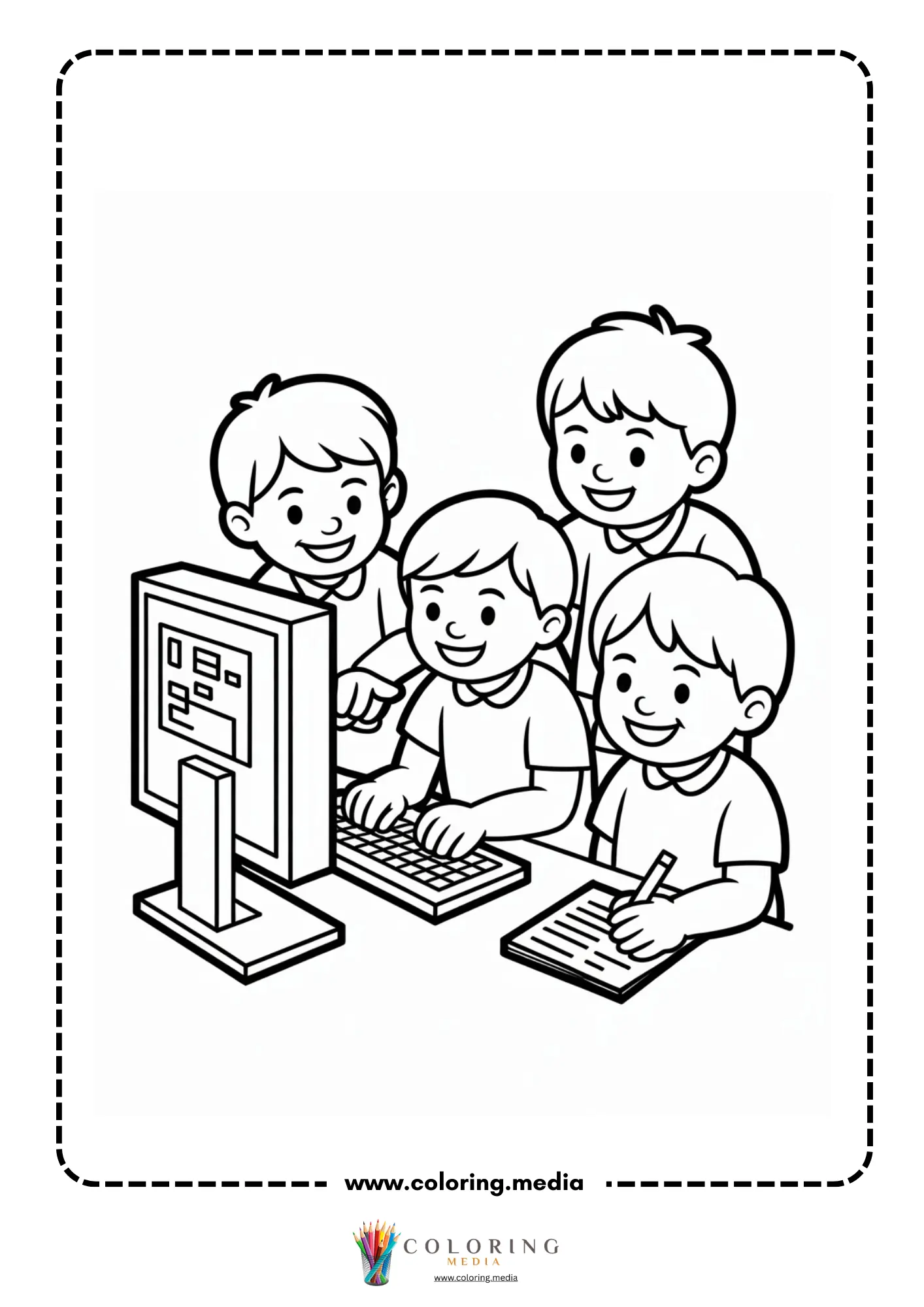
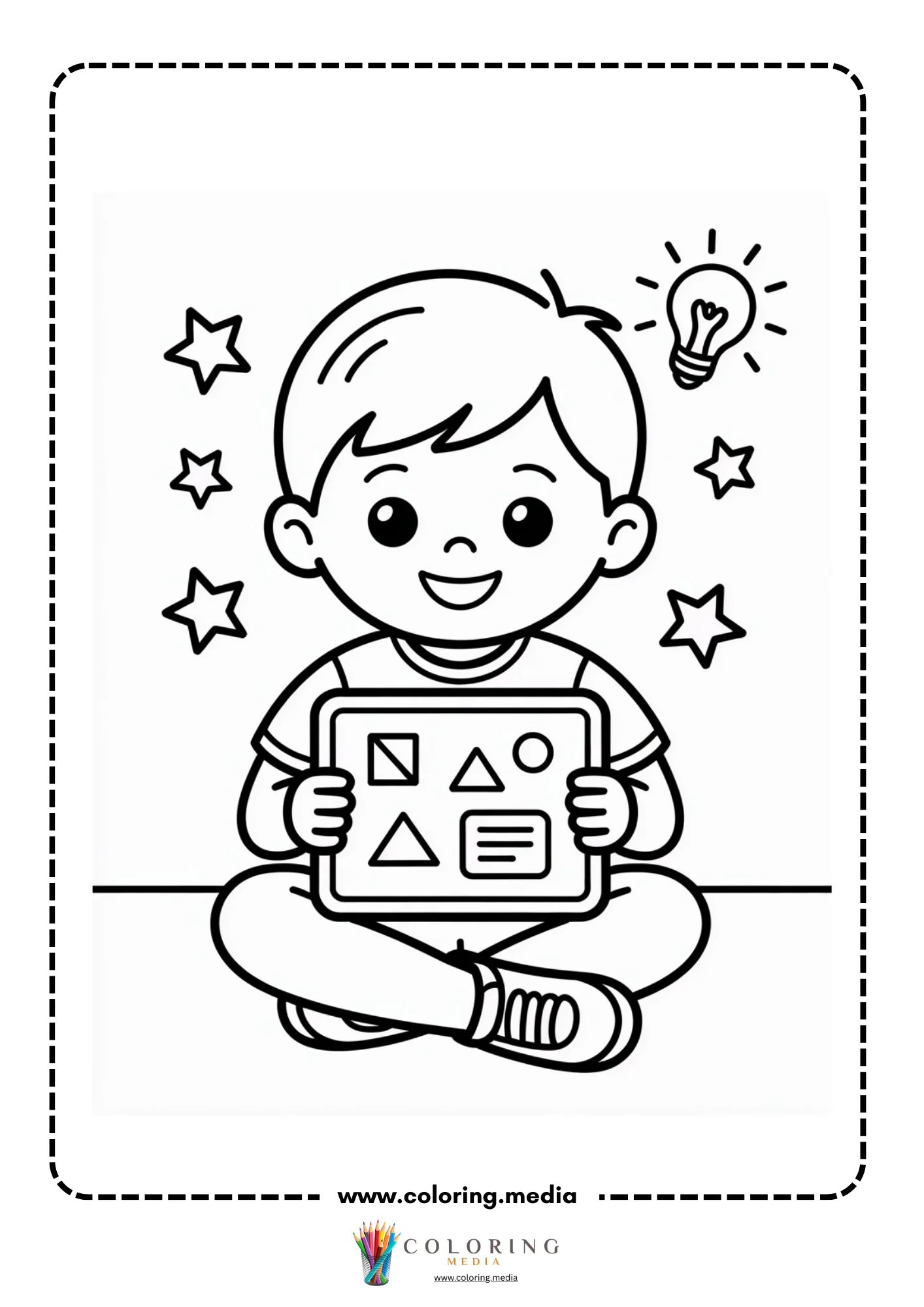
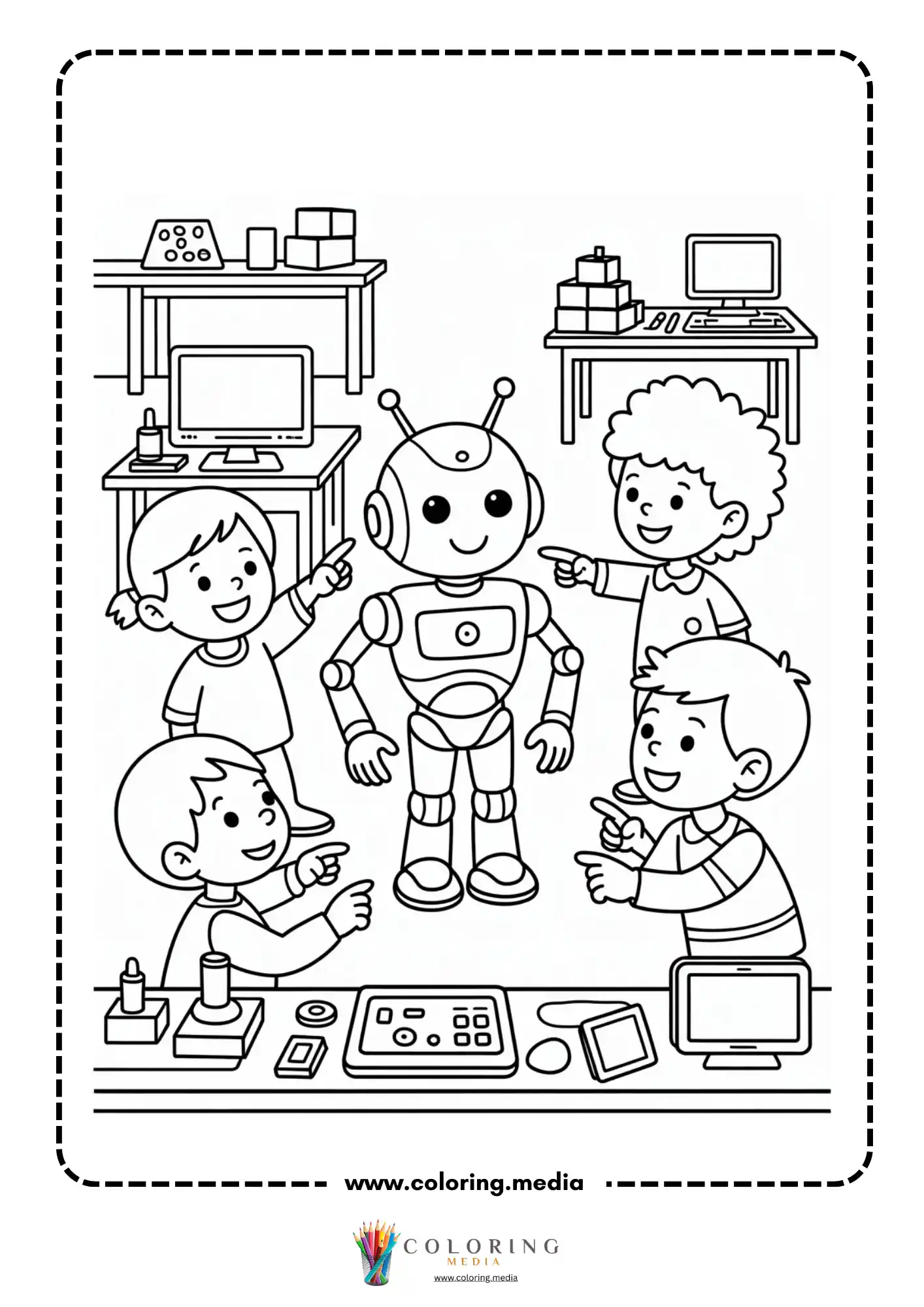
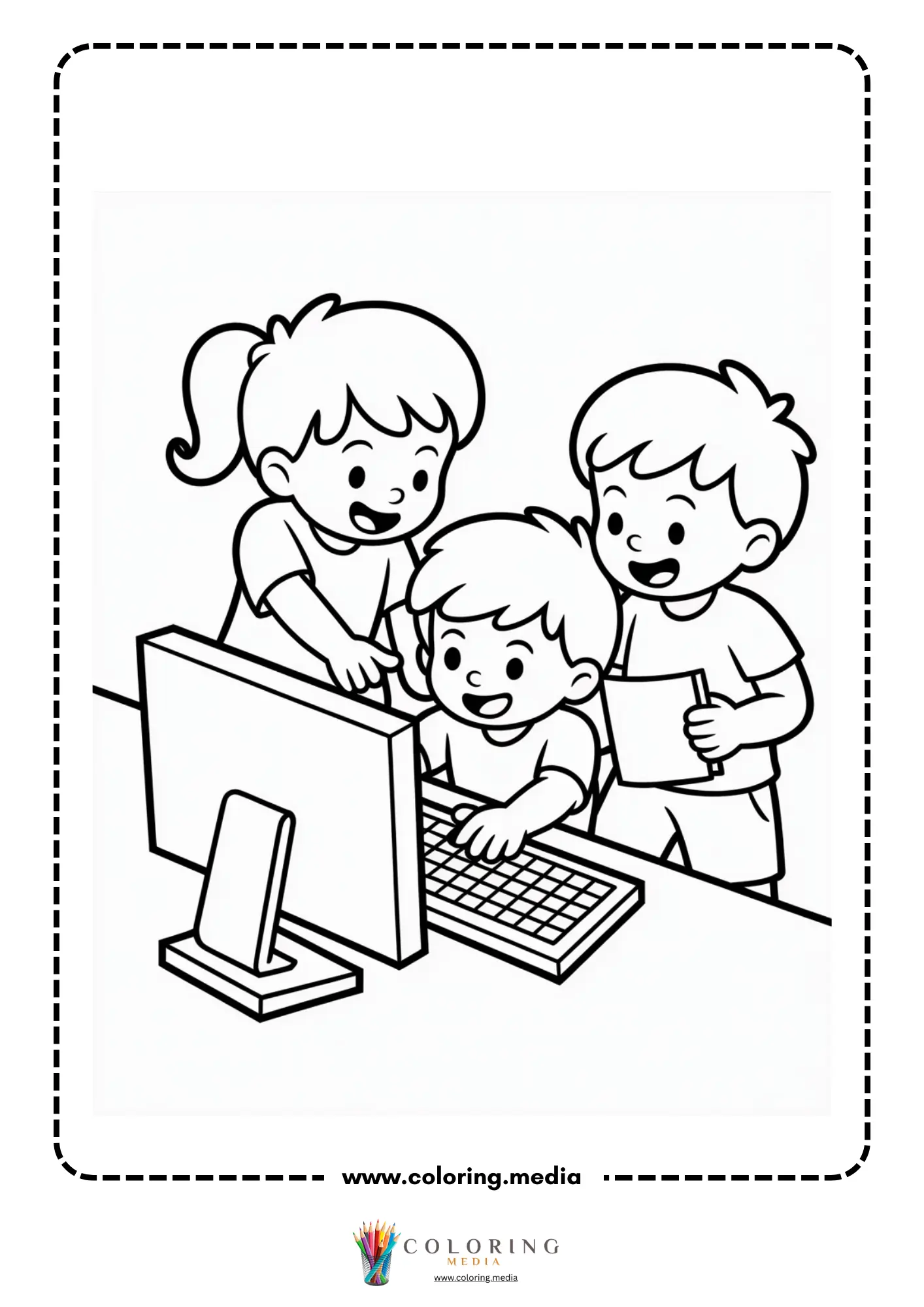
This collection includes 24 printable technology coloring pages featuring tablet devices in portrait and landscape orientation with blank screens, smartphones with rounded corners and visible bezels, a child sitting with a tablet, group technology classroom scenes with children at screens and interactive boards, a child at a desktop computer with an instructor, robot characters appearing alongside tech devices, and a vibrant classroom celebration scene with multiple children and technology visible. The diversity of device types and usage contexts gives the set genuine breadth across modern personal and educational technology. All pages print on A4 or US Letter paper.
Who Are These Technology Coloring Pages Best For?
Kindergarteners connect immediately with these pages because the devices shown — tablets, smartphones — are objects most five-year-olds have already touched and used. The device illustration pages have large flat screen areas and simple bezels that are straightforward to color with crayons, and the character pages show relatable scenes of children doing recognizable things.
Early elementary students (grades 1–3) can engage with the more compositionally complex classroom and group scenes. A second-grader coloring a technology classroom scene might also notice details — what is on each screen, what devices different children are using — that become conversation starters about responsible technology use, screen time, and different ways technology helps people learn.
Digital literacy programs and tech-forward homeschool curricula can use this set as a visual anchor for discussions about what technology is, how it has changed, and what responsible use looks like. The blank screen areas on device pages are also a natural design prompt: what would you put on the screen?
Interesting Technology Facts to Share While Coloring
The first touchscreen was invented in 1965, decades before smartphones existed. Early touchscreens were used in air traffic control systems. The capacitive touchscreen used in modern smartphones — the kind that does not respond to a pencil but does respond to a finger — was developed in the 1970s at CERN.
The average smartphone today has more computing power than all of NASA’s computers combined during the Apollo moon landings. The Apollo Guidance Computer had 4 kilobytes of memory. A modern entry-level smartphone has 4 gigabytes — a million times more.
Tablets as we know them were predicted in science fiction long before they existed. The 1968 film 2001: A Space Odyssey shows astronauts using flat handheld screens to watch video. The iPad was released in 2010, 42 years later. Arthur C. Clarke, who wrote the original story, was famous for accurate technology predictions.
The interactive whiteboard was invented in 1991 by a Canadian company called SMART Technologies. Within two decades, millions of classrooms worldwide had replaced traditional chalkboards with interactive boards connected to computers. The company’s name became so associated with the product that interactive whiteboards are often called ‘SMART Boards’ regardless of manufacturer.
Technology changes what jobs exist. In 1900, roughly 40% of Americans worked in agriculture. Today it is about 2%, with technology handling most of the work. Jobs that did not exist 20 years ago — app developer, social media manager, data scientist, UX designer — now employ millions of people.
Creative Technology Coloring and Craft Ideas
Screen App Design For device pages with blank screens, draw your own app, game, or website design inside the screen area.
Device Timeline After coloring a tablet and a computer page, research what people used for the same tasks (communication, entertainment, learning) 50 years ago, and draw those older technologies next to the modern ones.
Technology Impact Discussion For each technology shown, list one way it makes life easier and one way it could be misused or cause problems.
Design Your Ideal Device Draw a technology device that does not exist yet but that you think would be useful. Label its screen, buttons, ports, and special features.
Screen Time Rules Write a technology use agreement for your family — what devices can be used, for how long, and for what purposes. Write it on the back of a classroom tech scene page.
Technology Before and After Choose one activity (reading a book, watching a movie, sending a message) and describe how technology has changed it over the last 100 years.
Device Teardown Research Look up what components are inside a smartphone (screen, battery, camera sensor, processor, speakers) and write each component and its function on the back of a device page.
Digital Citizenship Pledge Write a five-point pledge about how you will use technology responsibly and respectfully. Illustrate each point with a small drawing.
How to Print These Technology Coloring Pages
Each PDF is formatted for A4 and US Letter at 300 dpi. Download by clicking any thumbnail, then print from Adobe Reader or a browser with ‘fit to page’ selected. Standard copy paper works well for all media. For device pages where screen design is planned, a fine-tip colored pen gives the cleanest lines inside the screen bezel area. Select black-and-white print mode to save ink.
Explore More STEM Coloring Pages
If you enjoyed these pages, you may also like:
Computer Coloring Pages
Coding Coloring Pages
Robot Coloring Pages
Circuit Coloring Pages
STEM & Technology Coloring Pages